
Charging your Tesla off-peak
On a time-of-use plan, the overnight kilowatt-hour costs 30 to 40% less. Over fifteen thousand kilometers a year, that is hundreds in savings, provided the car actually charges at the right time.
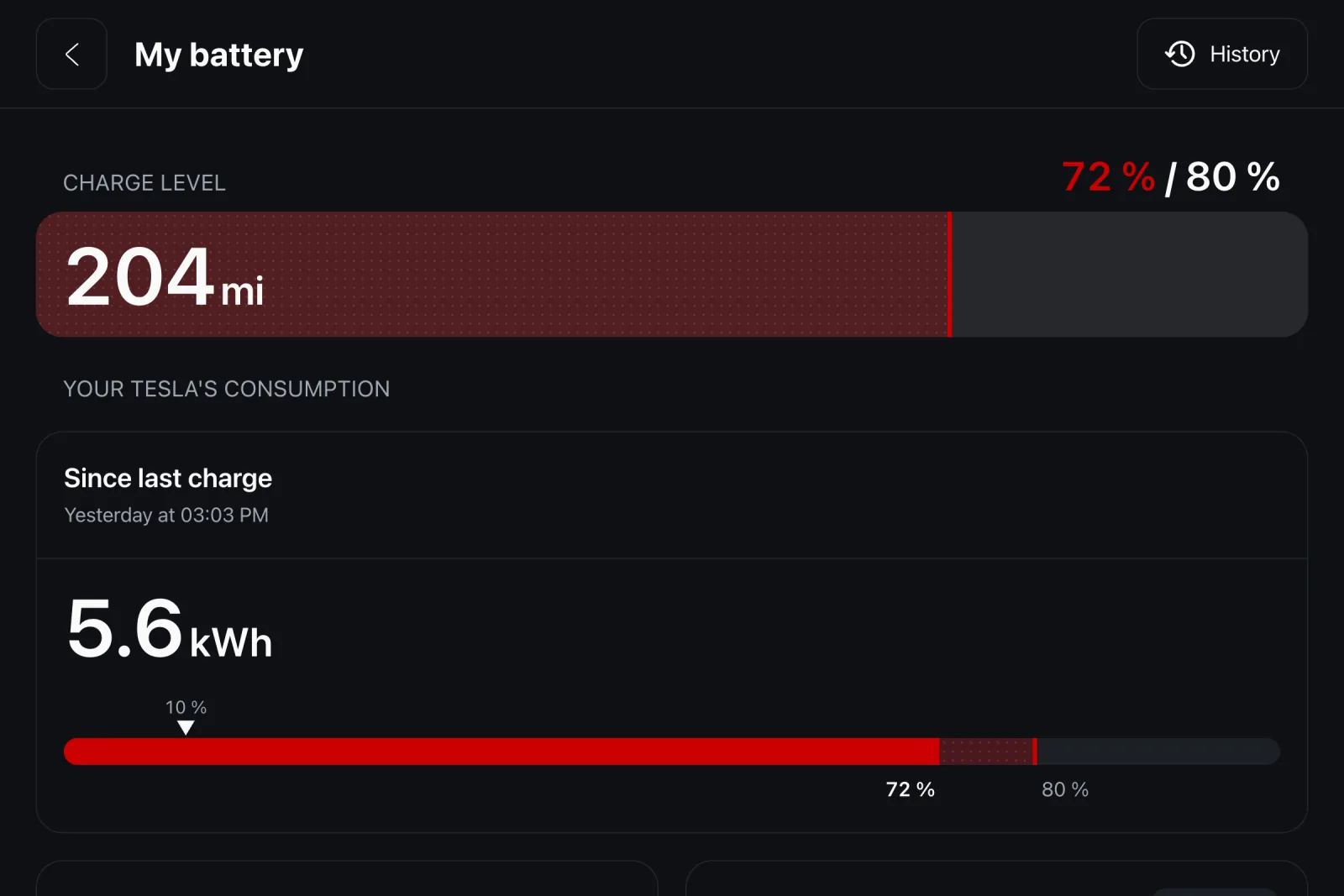
Set the car once
A Tesla can schedule its charge: in the Charging screen, set either a start time or a target departure time (the car then works backwards). Fit the window to your off-peak hours with margin: a 20 to 80% charge at 7 kW takes six to seven hours.
Set the charge limit too: 80% covers daily driving and is easier on the battery; 100% is for road trips. The slider lives in the car or the Tesla app.
What it actually saves
Take 18 kWh per 100 km wall-to-wheel and 1,200 km a month: 216 kWh. At $0.27 peak that is $58; at $0.20 off-peak, $43. Fifteen a month for a one-time setting, and the gap grows with mileage.
The pitfall: a manual daytime charge (back from a trip, plugged in by habit) lands on peak rates silently. That is where a charging log earns its keep: it shows when every session happened and what it cost.
Going further with iCar
iCar keeps the log of all your charges with real energy and cost, from rates you enter once for home and public charging. Charge limit by place adds what Tesla does not offer: 80% at home, 100% at work, applied automatically when you plug in.
And the 30-day battery curve shows at a glance whether your nights are charging as planned.
Ready to try? The bookmark grid is free, with no time limit.
Download