
Traffic & Speed cameras
Traffic, speed cameras, reports.Right on the screen.
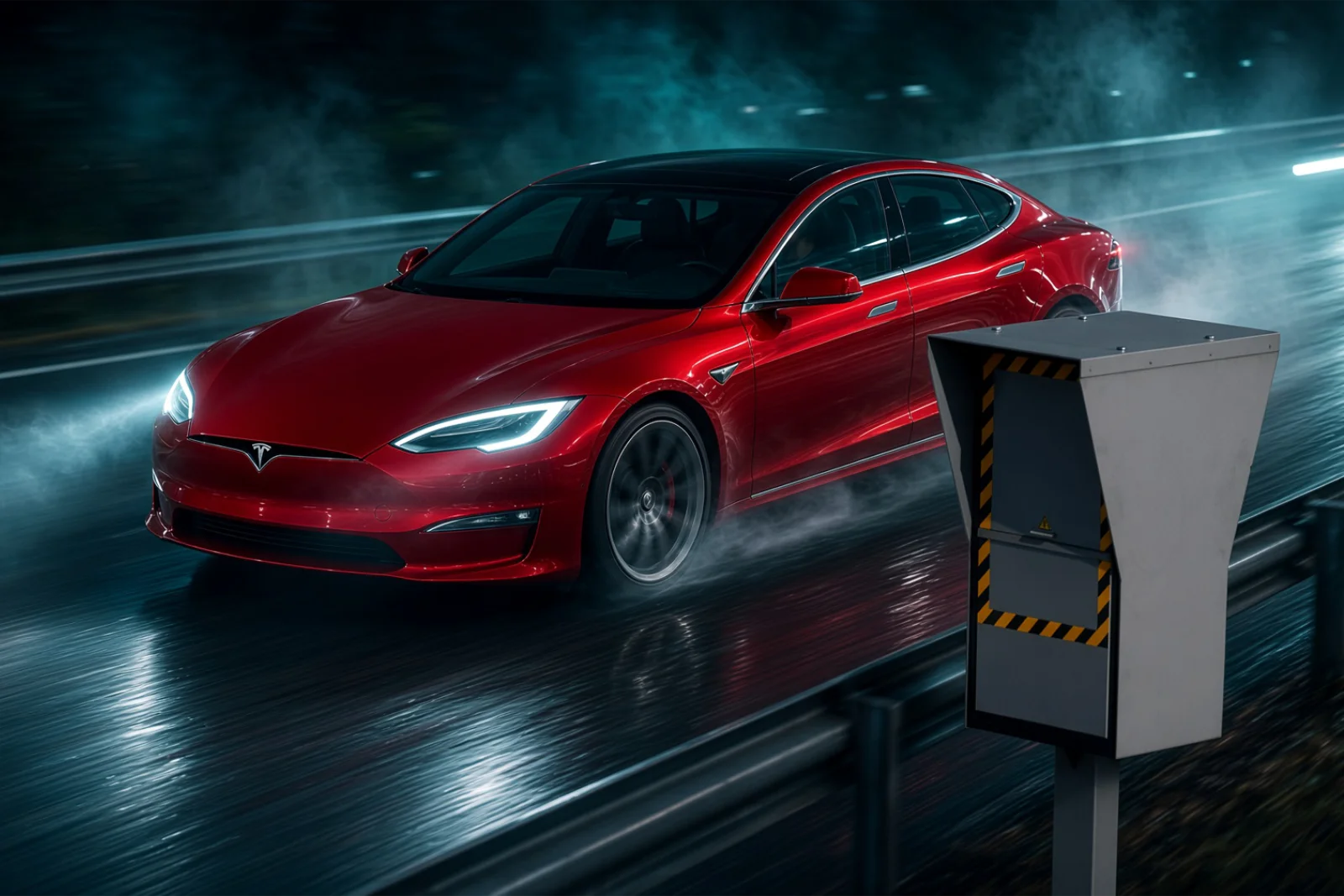
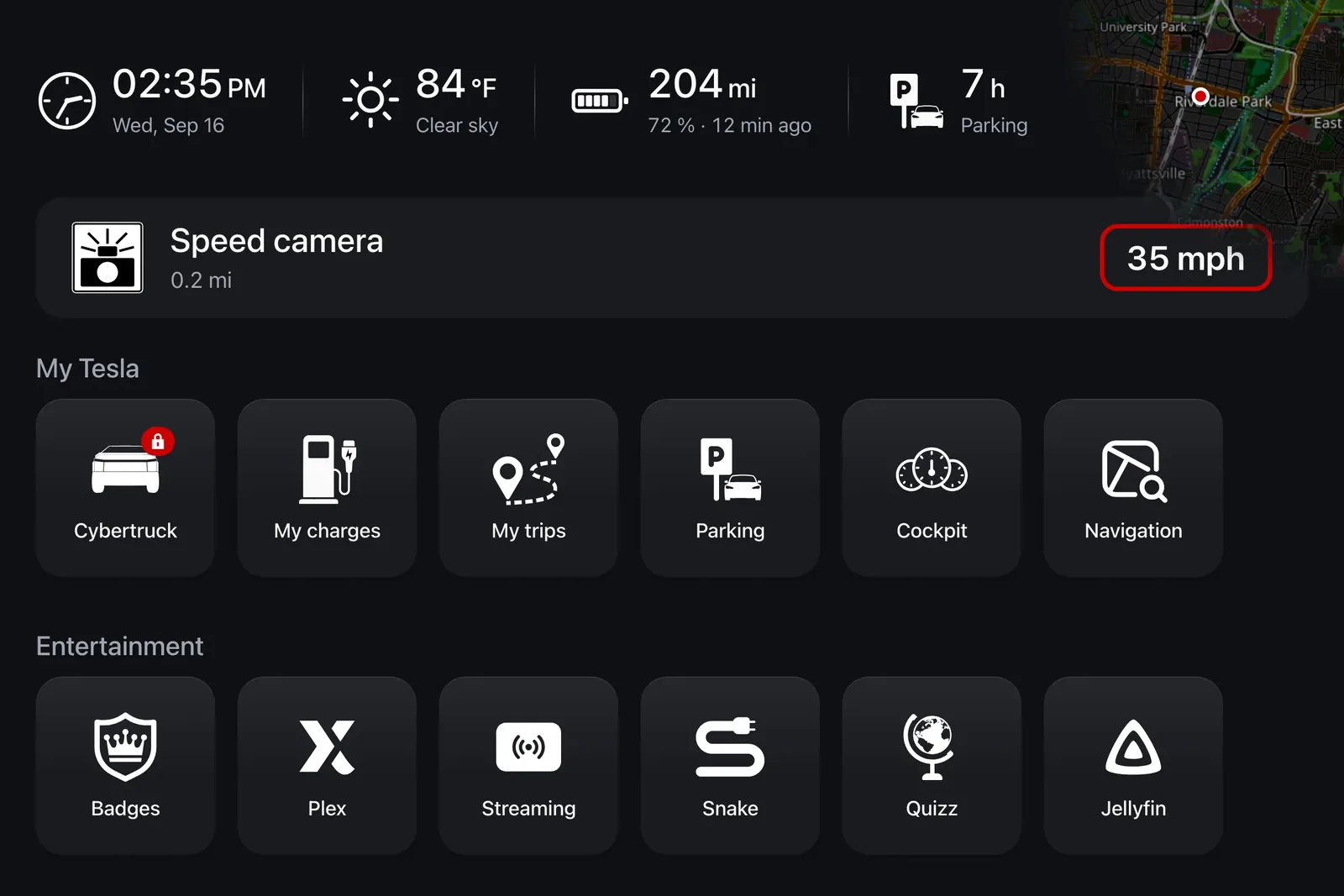
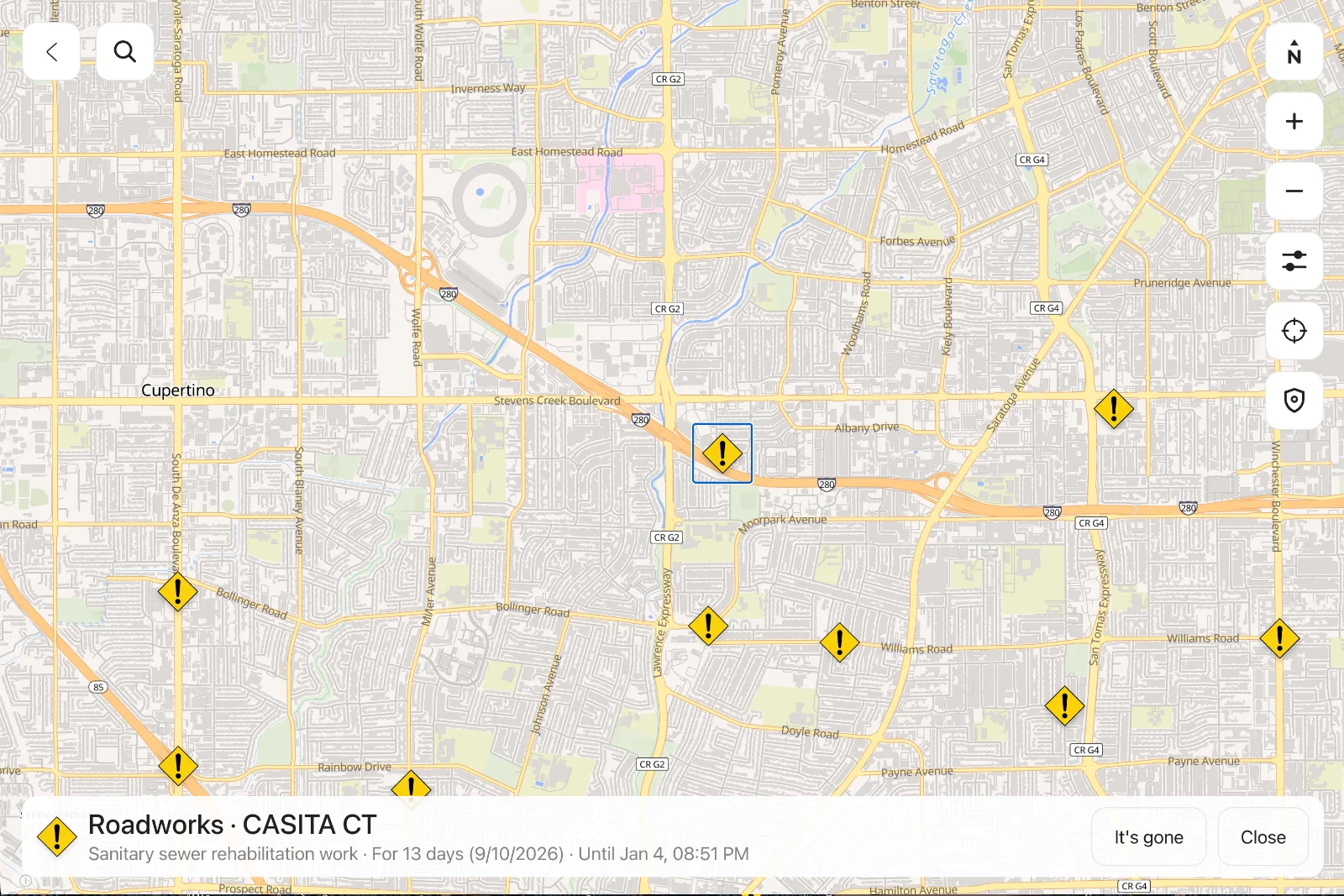
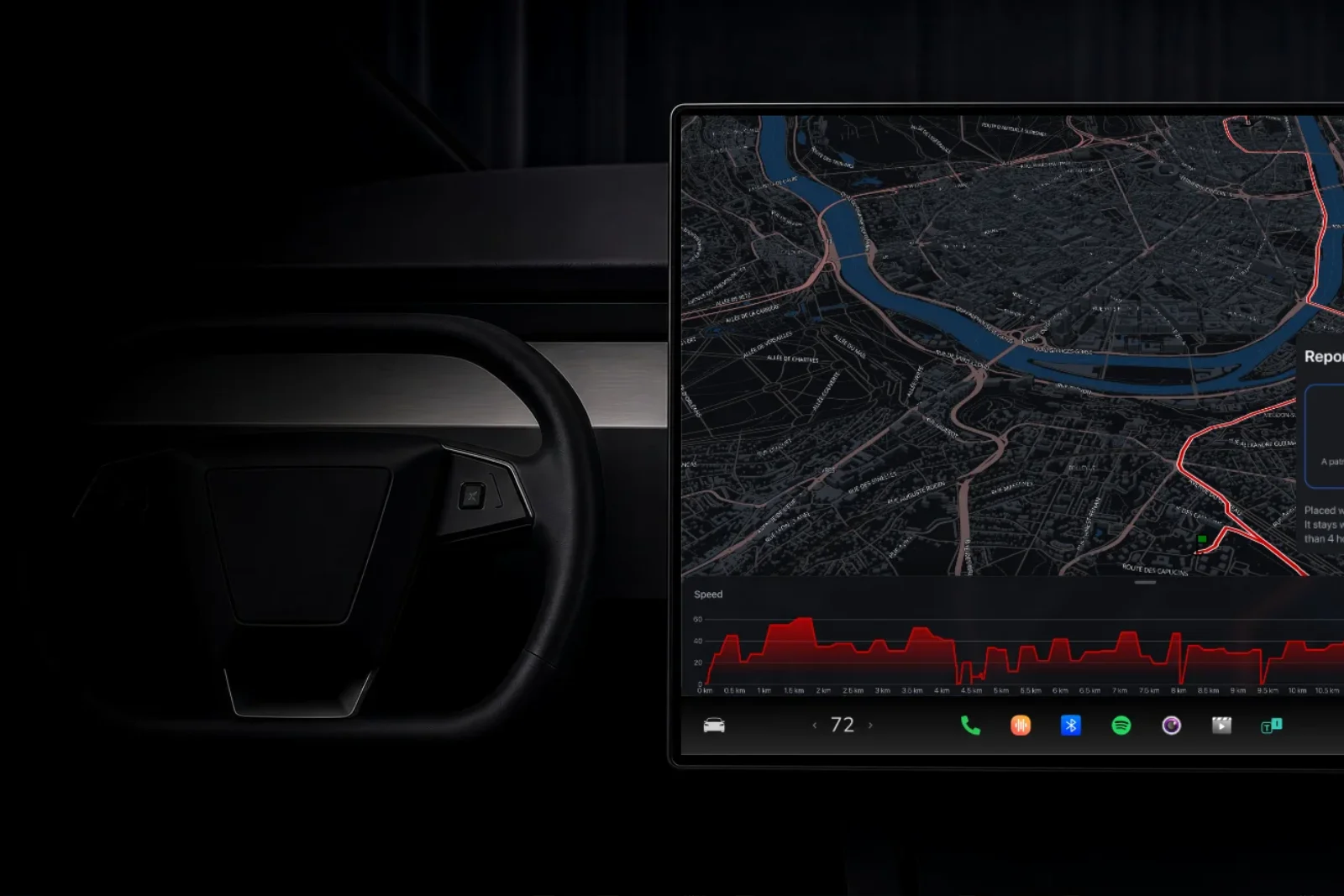
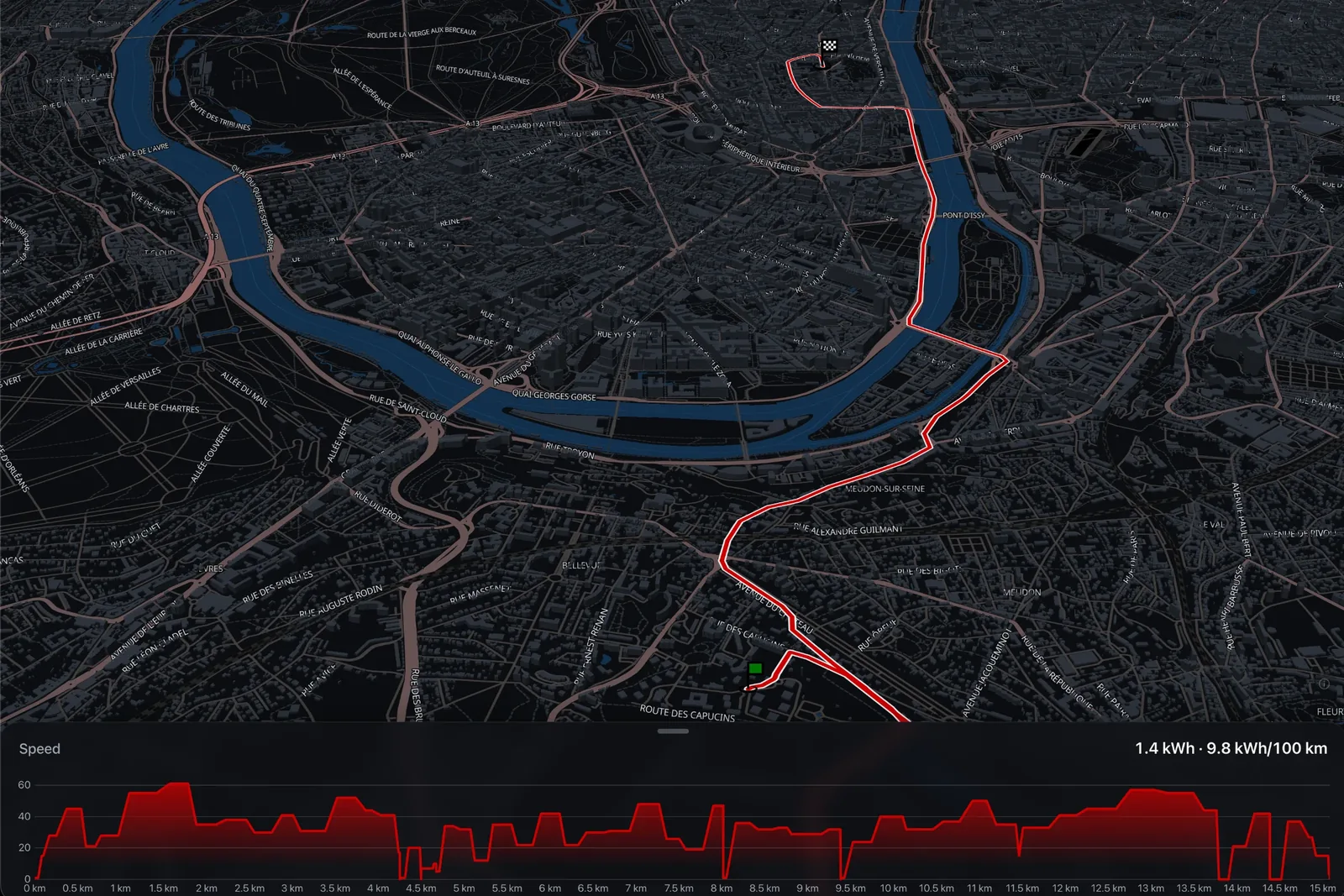
Waze can't be installed in a Tesla, and you miss what it used to tell you: the roadworks, the crash, the police check, the speed camera. iCar shows them on the car's screen, from official sources and from what other drivers report.
You miss Waze.Of course you do.
Your Tesla's navigation is excellent. What it lacks is the road as others see it.
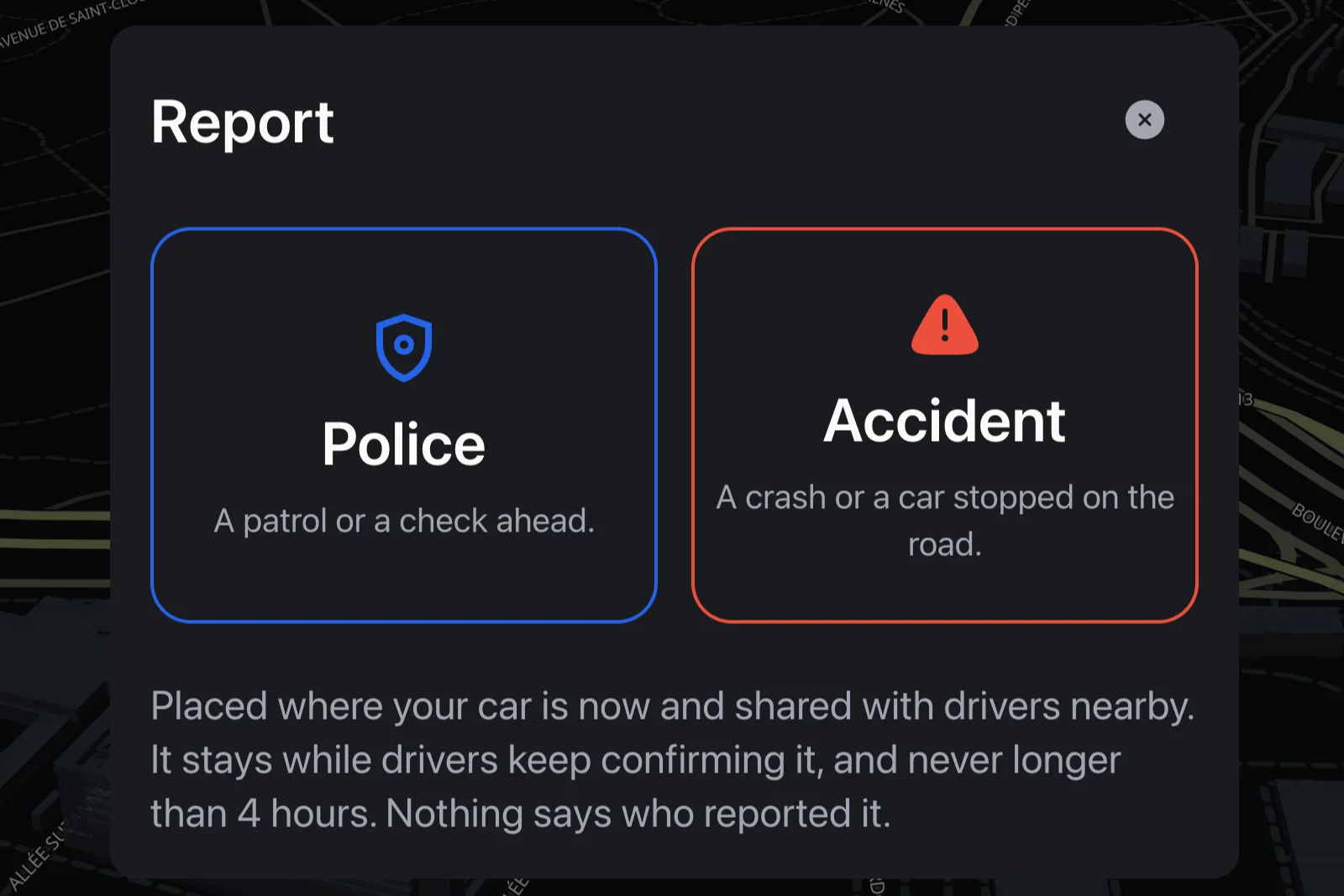
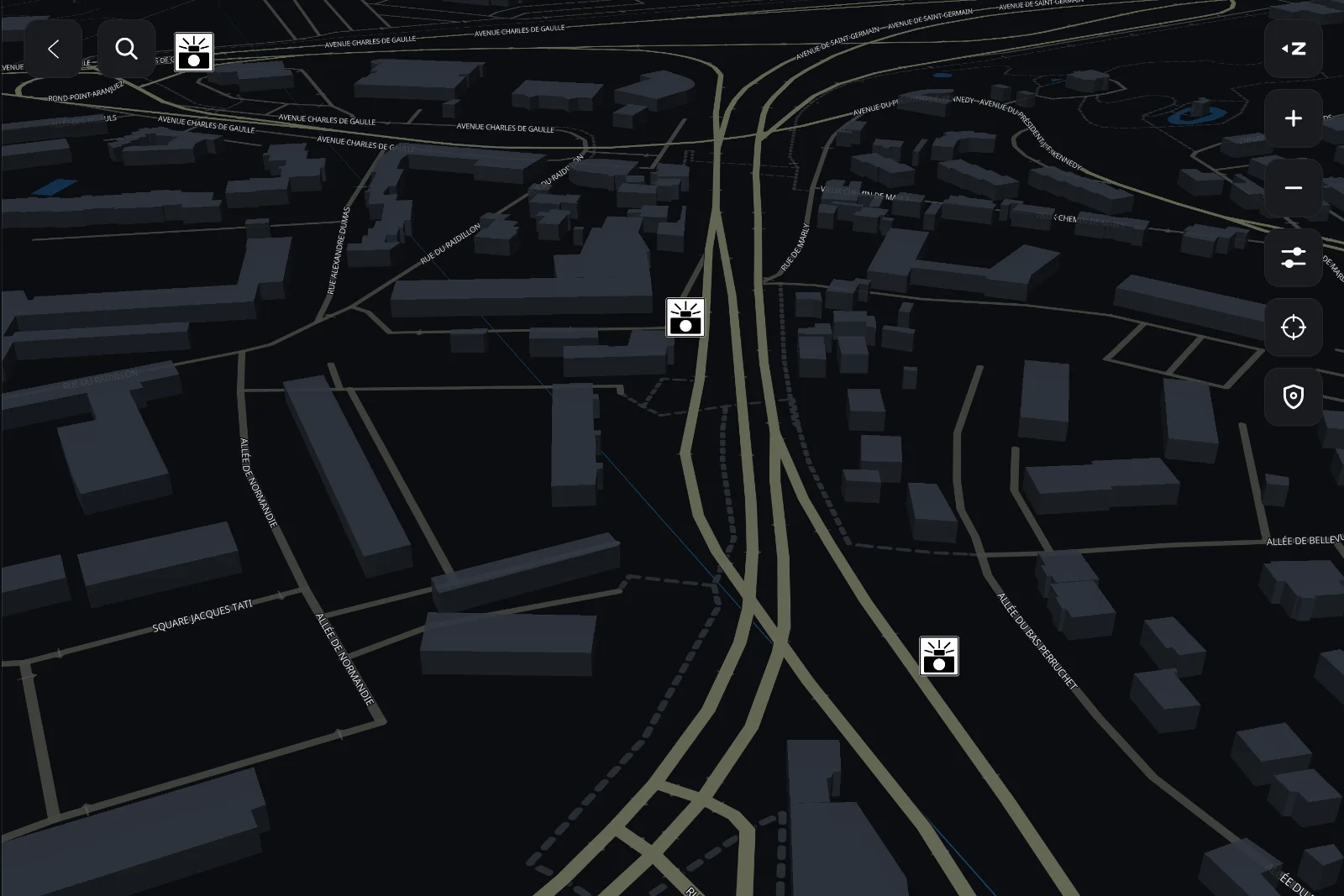
Your Tesla's navigation plans a route remarkably well, and already flags speed camera zones on its screen. What it lacks is what other drivers see on the road: the police check at the end of the straight, the crash that just happened.
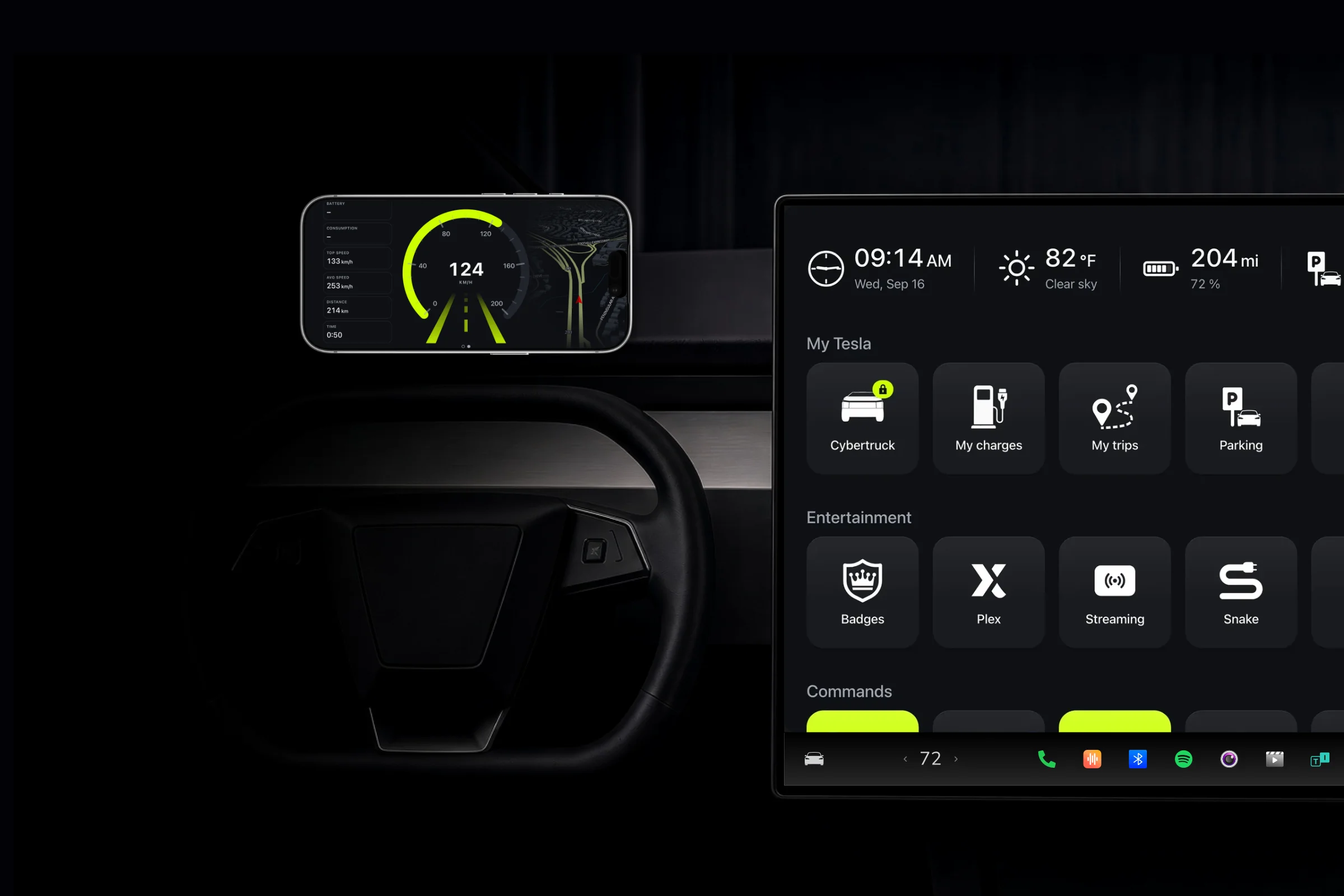
That is exactly what you used Waze for. And it is what iCar brings back to the screen, with nothing to install in the car: it opens in the car's browser, like any website.
Free.For everyone.
Speed cameras, traffic and reports, no subscription.
Speed cameras, traffic and reports are included in the free plan, with no subscription and no time limit. A shared map of the road is only worth something if everyone can read it and add to it.
Just create an account and open iCar in the car's browser. No Tesla to connect, no card to enter.
The right moment.The right place.
Official sources.Updated continuously.
Road authorities in twelve countries, synced continuously.
Roadworks, closures, crashes and obstructions come from the feeds road authorities publish. These feeds are published in real time; iCar reads them every three to fifteen minutes depending on the country, and keeps the authority's description as written. The banner announces the event coming up on your path, two kilometers ahead: enough to anticipate, not to flinch.
 France
 United States
 Germany
 Spain
Spain Denmark
 Switzerland
 Belgium
 Canada
 United Kingdom
 Luxembourg
 Norway
 Portugal
An aid.Never a permission.
The screen informs you. The signs decide.
iCar displays information. It doesn't drive, and it doesn't know real road conditions: the speed that applies is the one on the signs, and the one traffic and weather allow.
Rules on speed camera warnings differ from country to country. Checking what is allowed where you drive is up to you.
And there's more.
Four alert sounds. Pick the one you hear best over road noise. It plays as soon as you tap it, so you can compare without waiting for a camera.
One alert, one setting. Landmarks, traffic and speed cameras each switch on separately, from the car's screen. Keep what helps you, silence the rest.
Anonymous reports. Nothing tells other drivers who reported a police check or a crash. They see what is happening, never who saw it.
Search for a destination. An address, a place, a city: results come sorted by distance, up to two thousand kilometers around you.
No Tesla to connect. Speed cameras, traffic and reports rely on the location of the car's browser. They work without linking your Tesla account.
Your location isn't kept. The one used to find traffic around you serves the answer and nothing else: it is neither stored nor written to our logs.
Keep reading
Try it. Free.
Free forever, no ads. The subscription starts with a 14-day free trial, cancel in one click.
- No ads
- No card for the free plan
- Cancel anytime