
Trips & Journeys
Your road log.Down to the detail.
You get in, you drive, you switch off. The trip is recorded, split, drawn on a map and filed in your history, without anyone asking you to press anything.
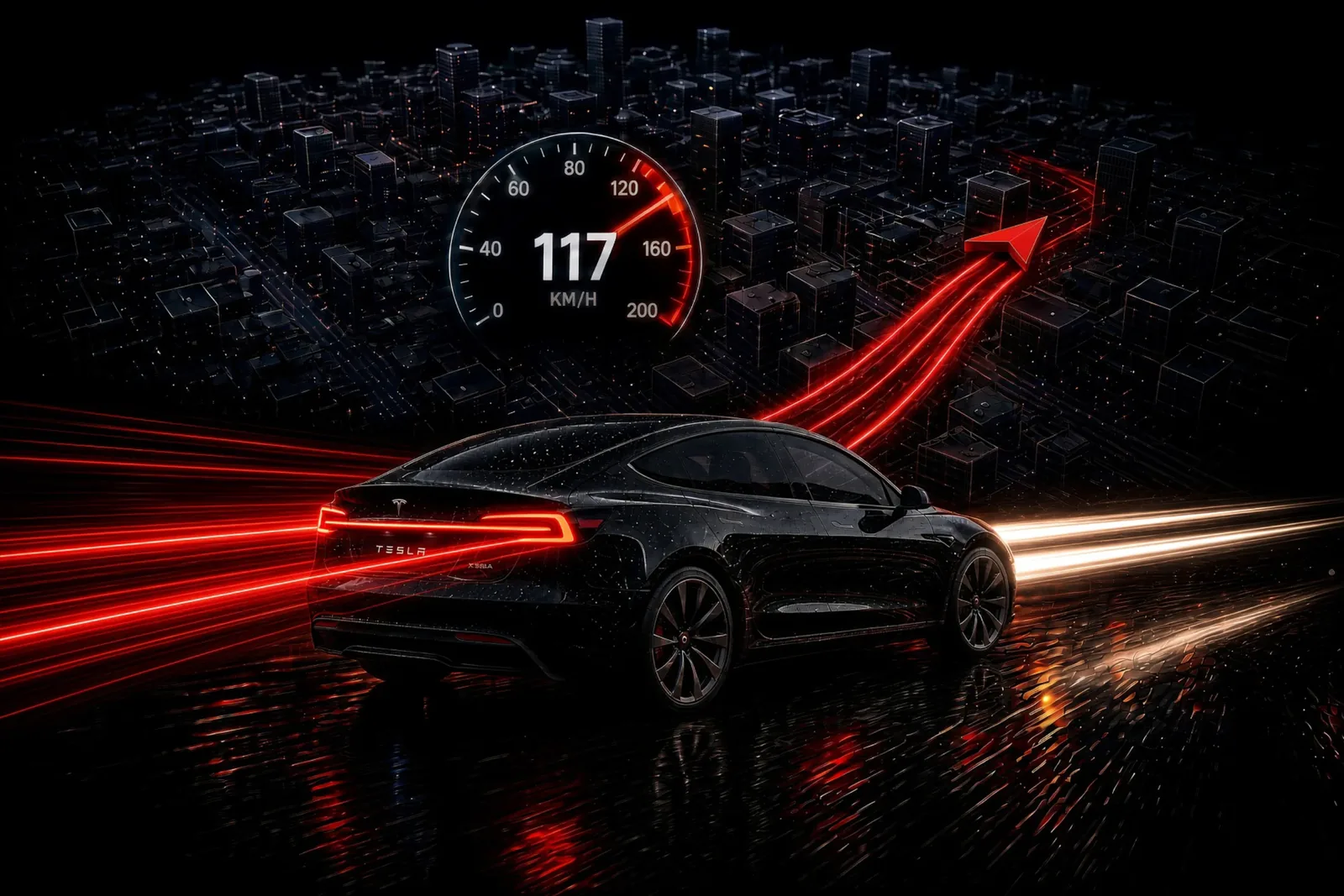
You drive.The log writes itself.
No button, not at the start, not at the end.
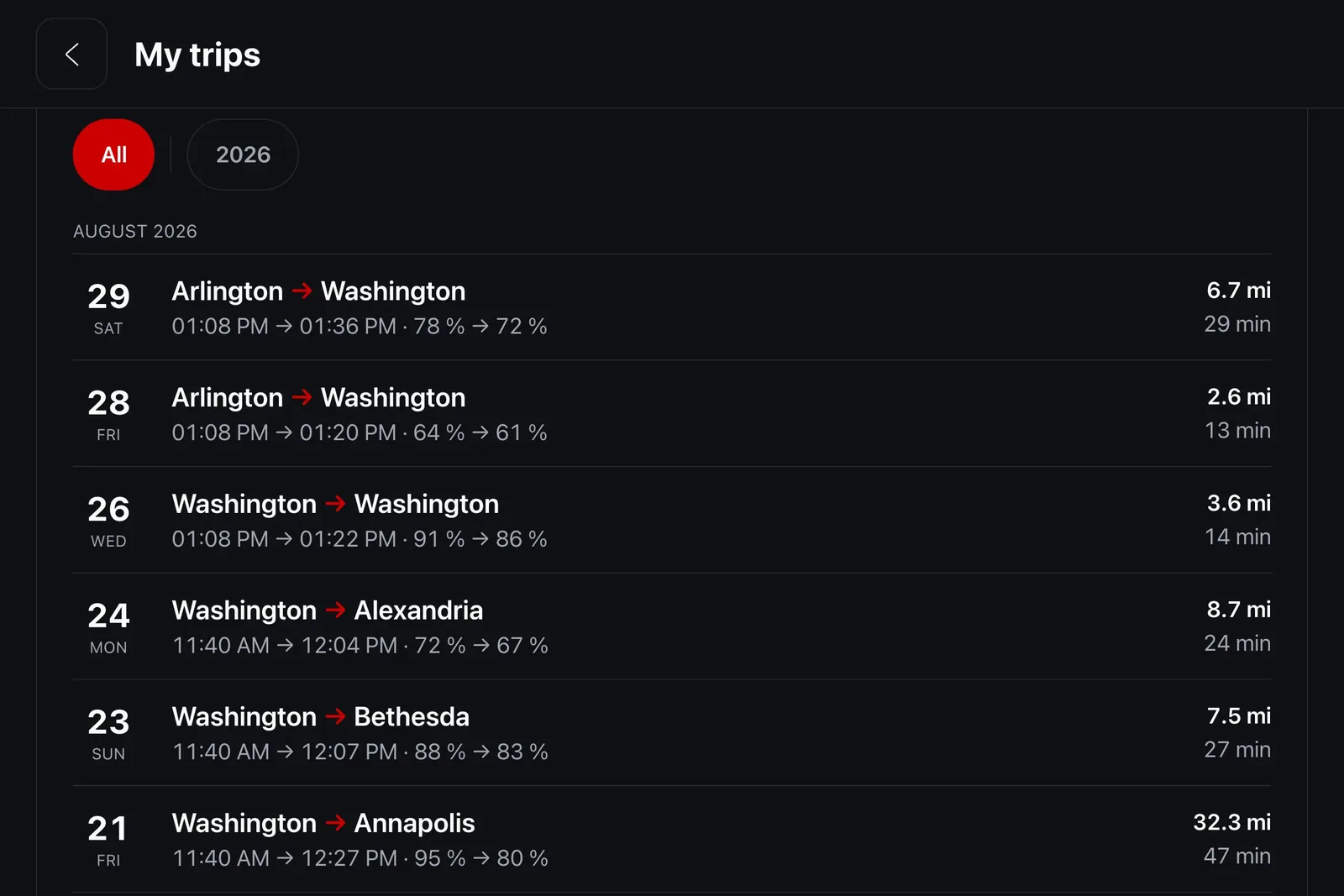
A trip has no start button. iCar receives a stream of positions and decides for itself where one begins and ends: a trip closes after fifteen minutes stopped, or fifteen minutes without data, or a jump of more than two miles between consecutive points. It resumes once the car has covered a hundred meters above three miles per hour.
That calculation runs server side, deliberately. A web page is reloaded, hidden and closed constantly: it cannot hold reliable state across a four-hour journey. The server does not lose the thread.
A Supercharger stop doesn't split the trip: three hundred kilometers, a fast charge, then three hundred more make a single journey.
Every trip on its map.And in detail.
Speed, energy, cost and temperature.
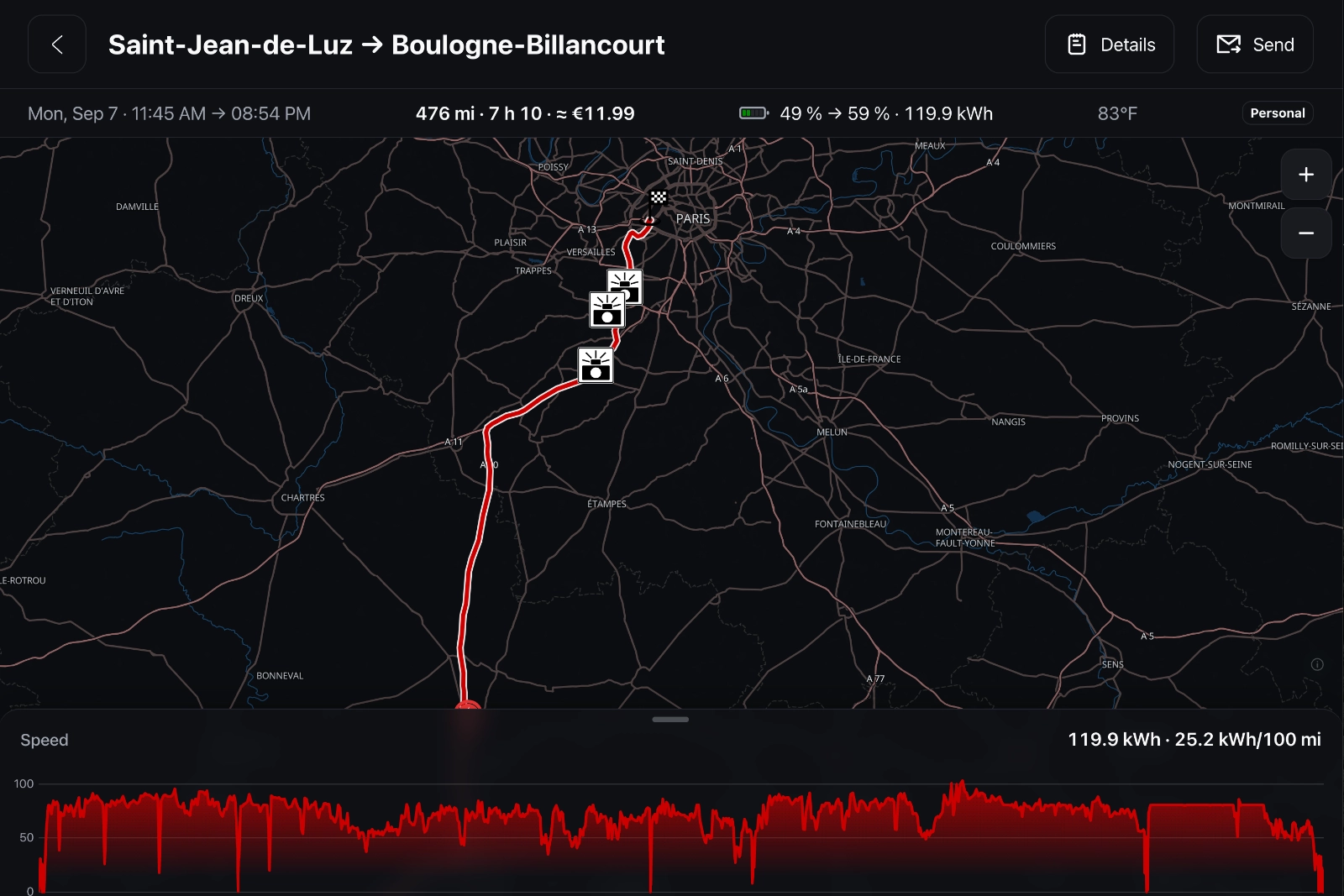
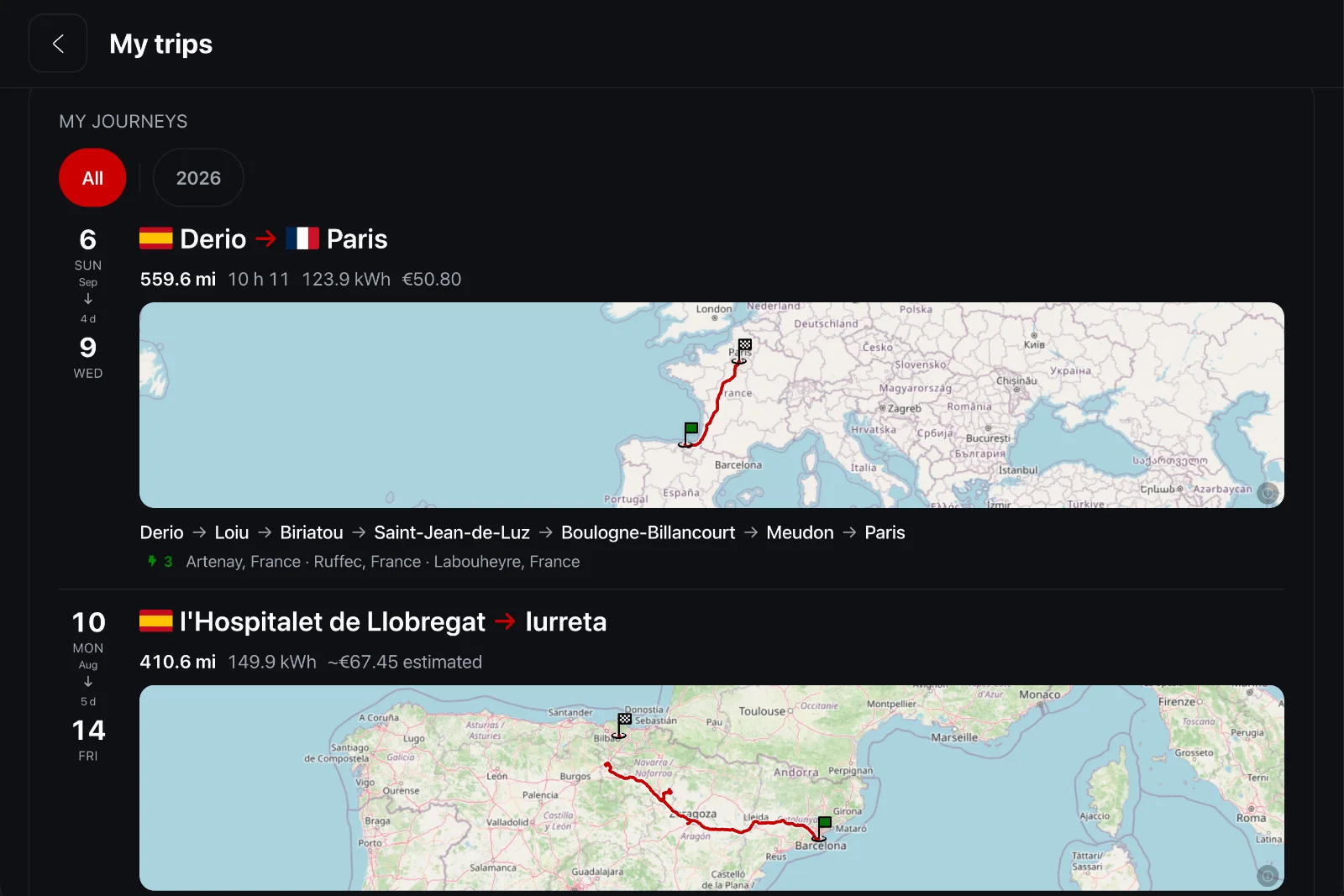
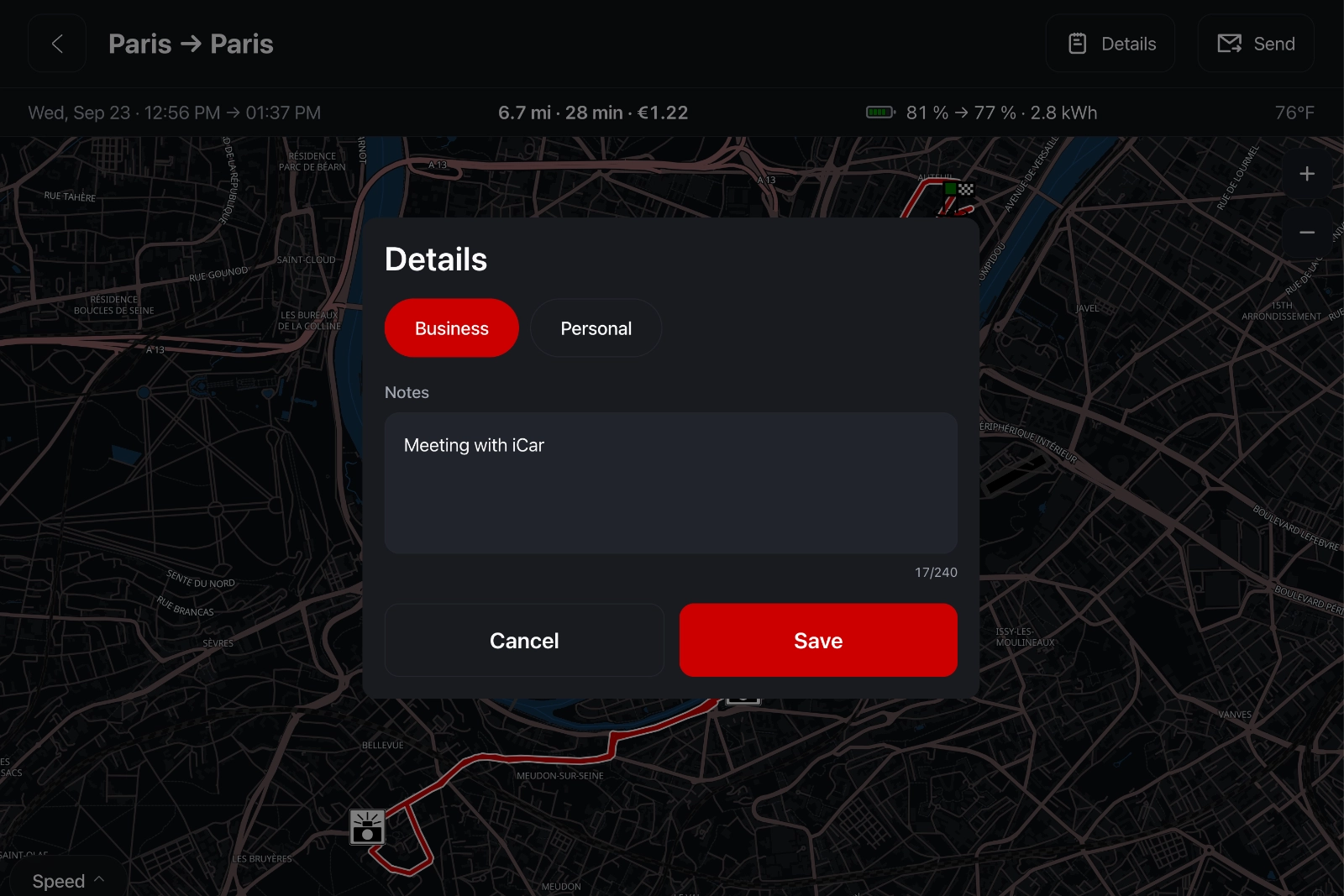
Each trip opens on its map, with departure and arrival times, distance, duration, battery level and the energy it used. Under the map, the speed curve: slide a finger along it and a marker follows the same point on the track. You find the exact mile where you slowed down, and why. From the car screen or from your phone: it is the same history, and it follows the account.
The detail strip adds the energy used and its cost, at the rate of your last charge, the average outside temperature and, on a Tesla driving on FSD, the share of the trip covered in self-driving.
Everything your trips tell you.
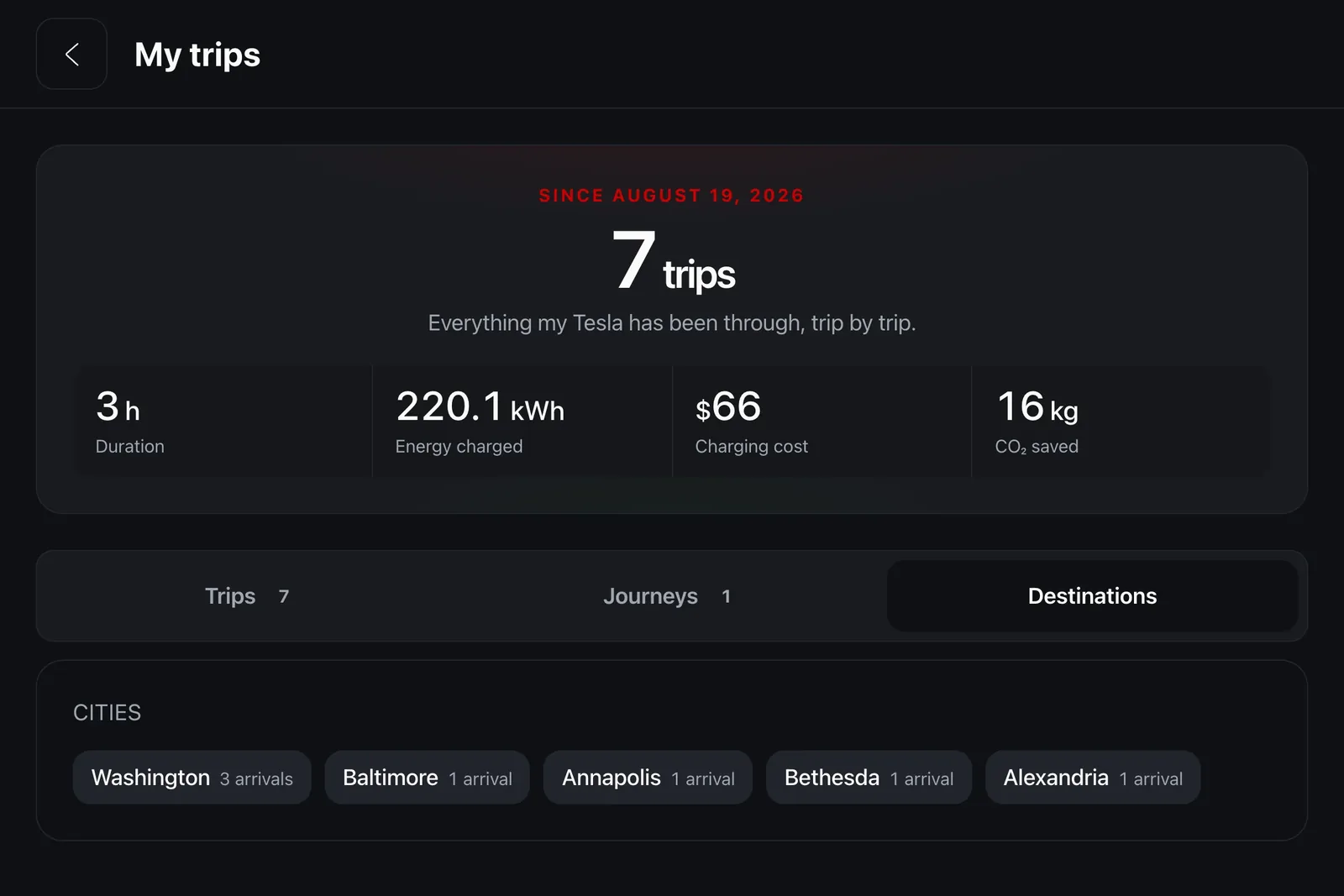
Mileage claims.And much more.
Declare, find again, understand.
A trip log serves three purposes. Claiming mileage first: tax authorities want dates, distances and reasons, and nobody enjoys reconstructing those in April from memory. Finding a route again, second: the back road taken last summer, the car park found at the last minute, the station where charging was cheap.
Understanding how the car is really used, third. A Tesla's odometer says how many miles it has covered. It does not say when, or where to, or how many times you made that same six-mile round trip that costs, added up, more than the annual holiday.
Two ways to record.One has gaps.
The car's browser, or the car itself.
Without a subscription, position comes from the car's browser. It works well, with one limit that is not ours: a browser only reports location while it is on screen. Leave iCar to open Waze or a radio, and recording stops. We show those gaps as they are, and never draw a straight line between two distant points: an invented trip would be worse than an incomplete one.
With a subscription and a linked Tesla account, the car itself reports its position, continuously, whether iCar is on screen or not. The trip is then whole, from departure to arrival.
What is stored.And what is not.
One switch, and nothing in our logs.
Trip recording is the only place in iCar where a position is kept, and it has its own switch in account settings. Turned off, nothing is written: the server rechecks that setting on every batch and refuses the points, rather than trusting what the page claims.
A location history is the most intimate data a product like this can hold. It is never written to our technical logs, never shared, and every read is filtered by the account asking for it.
And there's more.
The route, as GPX. One button emails the trip with a GPX attachment: the full route, readable by every mapping app.
Time moving. Red lights and breaks don't count: the average speed stays the speed of the road.
Your FSD share. On an equipped Tesla, every trip shows how many kilometers were driven in self-driving.
Filtered by period. A year, a month: the list narrows to the period you care about.
Badges to earn. Distance driven, hours at the wheel: your trips unlock badges, to collect in Entertainment.
In the car and on your phone. The same history, on the Tesla's screen and in the app.
Keep reading
Try it. Free.
Free forever, no ads. The subscription starts with a 14-day free trial, cancel in one click.
- No ads
- No card for the free plan
- Cancel anytime