
Battery & Charging
Your battery.And what it costs you.
The Superchargers your range can reach, the real price of every charge, Tesla invoices in your inbox and your battery's health, measured on your car. With advice made for it.

Your battery's health.Measured on your car.
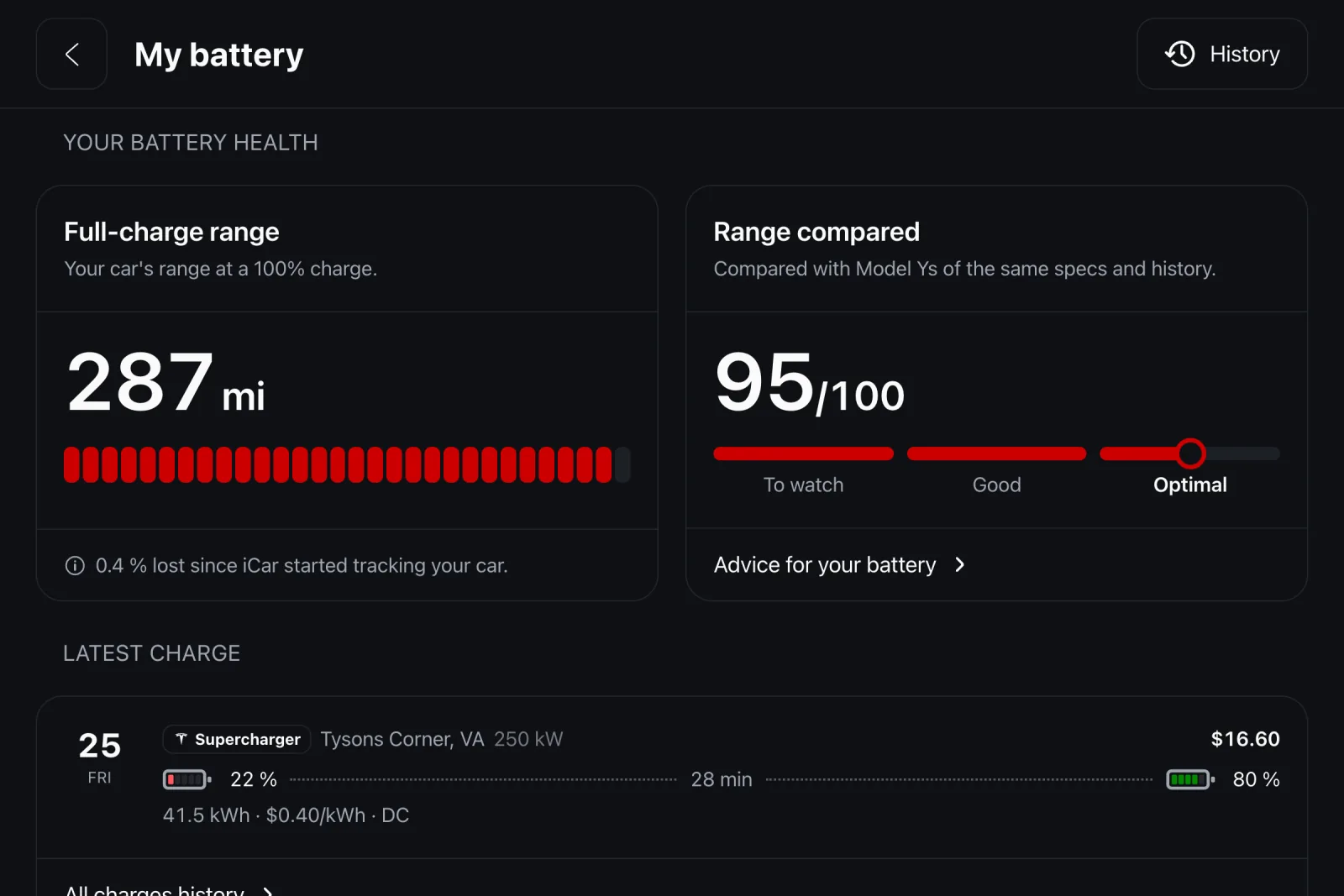
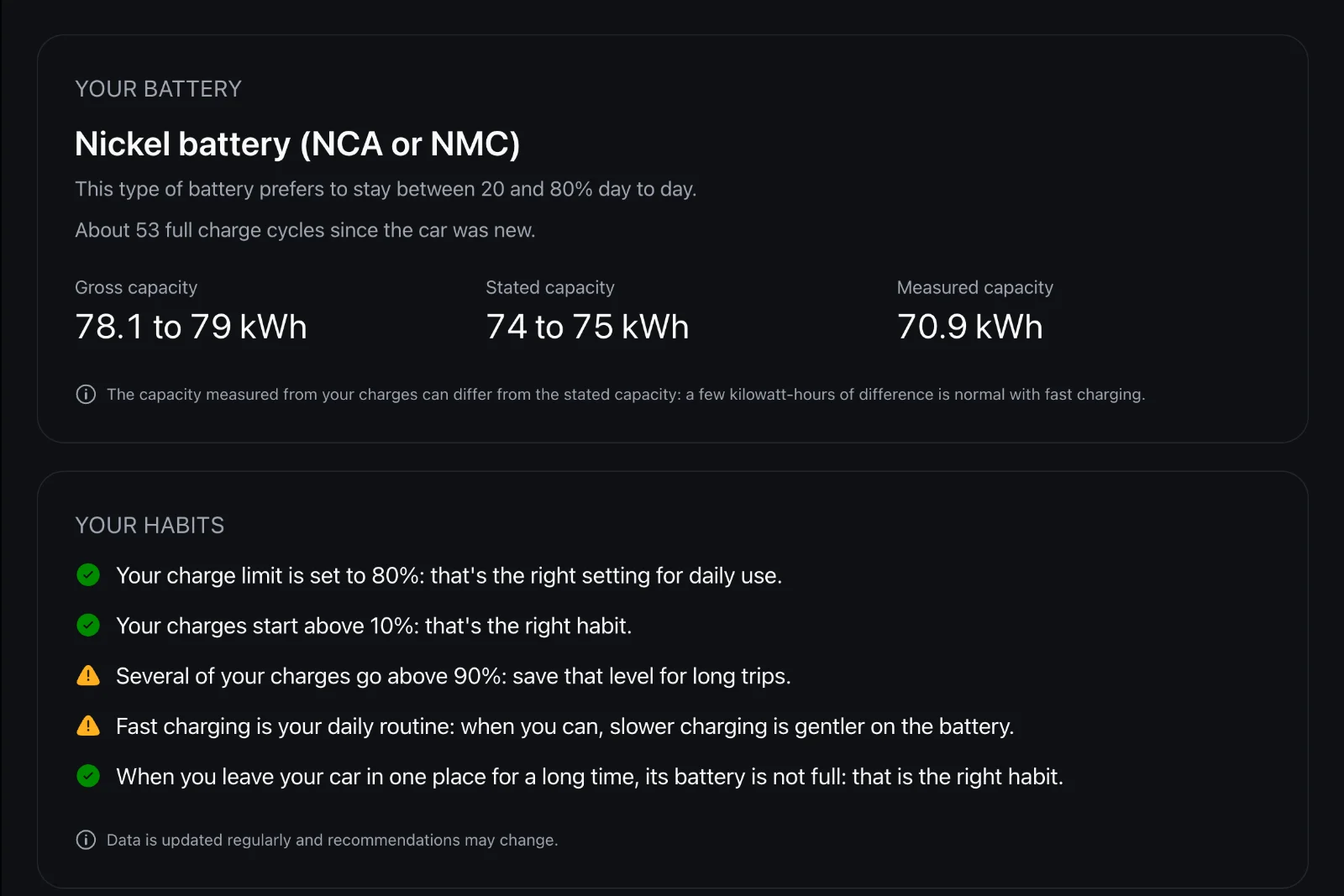
Measured capacity, against announced capacity.
“My battery” compares the capacity actually measured on your car with the one announced for its version, and tracks its full-charge range week after week. One level sums it up: optimal, fair or worth watching.
Until the data is enough to conclude, the screen says so rather than showing a rough number.
Advice for your battery.Not for batteries in general.
Based on its chemistry, your habits and the season.
In Help, the Battery section recognizes your Tesla's battery type: an LFP pack likes a 100% charge every week, a nickel pack prefers 80 to 90% day to day. The advice follows.
It also looks at your habits, your charge limit, charges started too low, your share of fast charging, and tells you what's well set and what would be worth changing. When winter comes, it reminds you how to precondition the battery without draining it.
Nothing to do.It all arrives.
80% at home.100% at work.
A charge limit that depends on the place.
iCar remembers one limit per place and applies it when the car plugs in there. For a one-off 100% before a long drive, trip mode does it without touching your home rule.
No address is ever shared with us: the car only says it's at home or at work, never where.
Superchargers within reach.Not just the nearest.
Based on the range you have left.
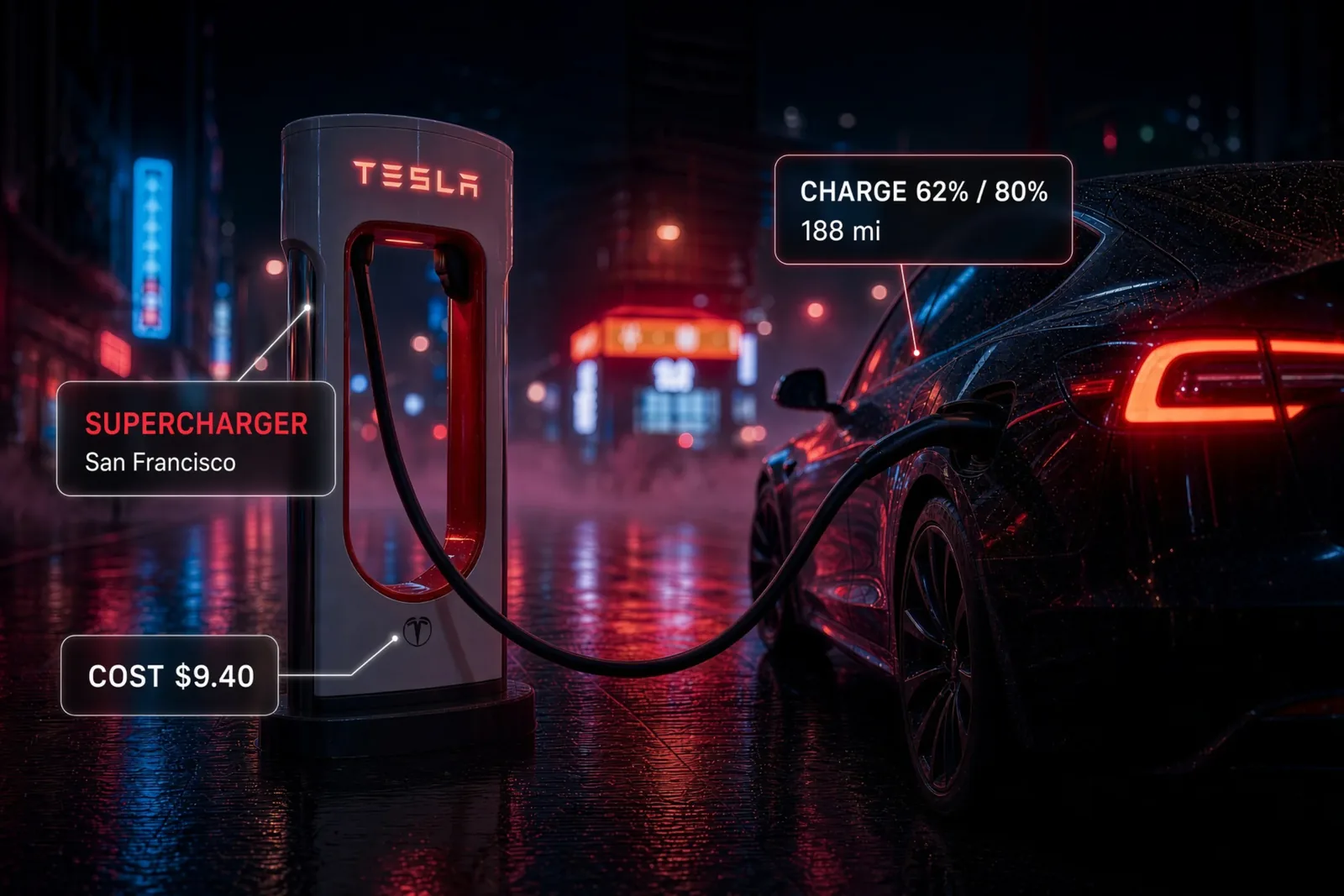
The map doesn't show a list of chargers around you, but the ones your battery can actually reach: the radius comes from your current range. A Supercharger on screen is a Supercharger you will get to.
Each one shows its power and number of stalls. One tap, and it becomes the destination sent to your Tesla's navigation.
The real price of every charge.To the cent.
Tesla's invoice at Superchargers, your rates elsewhere.
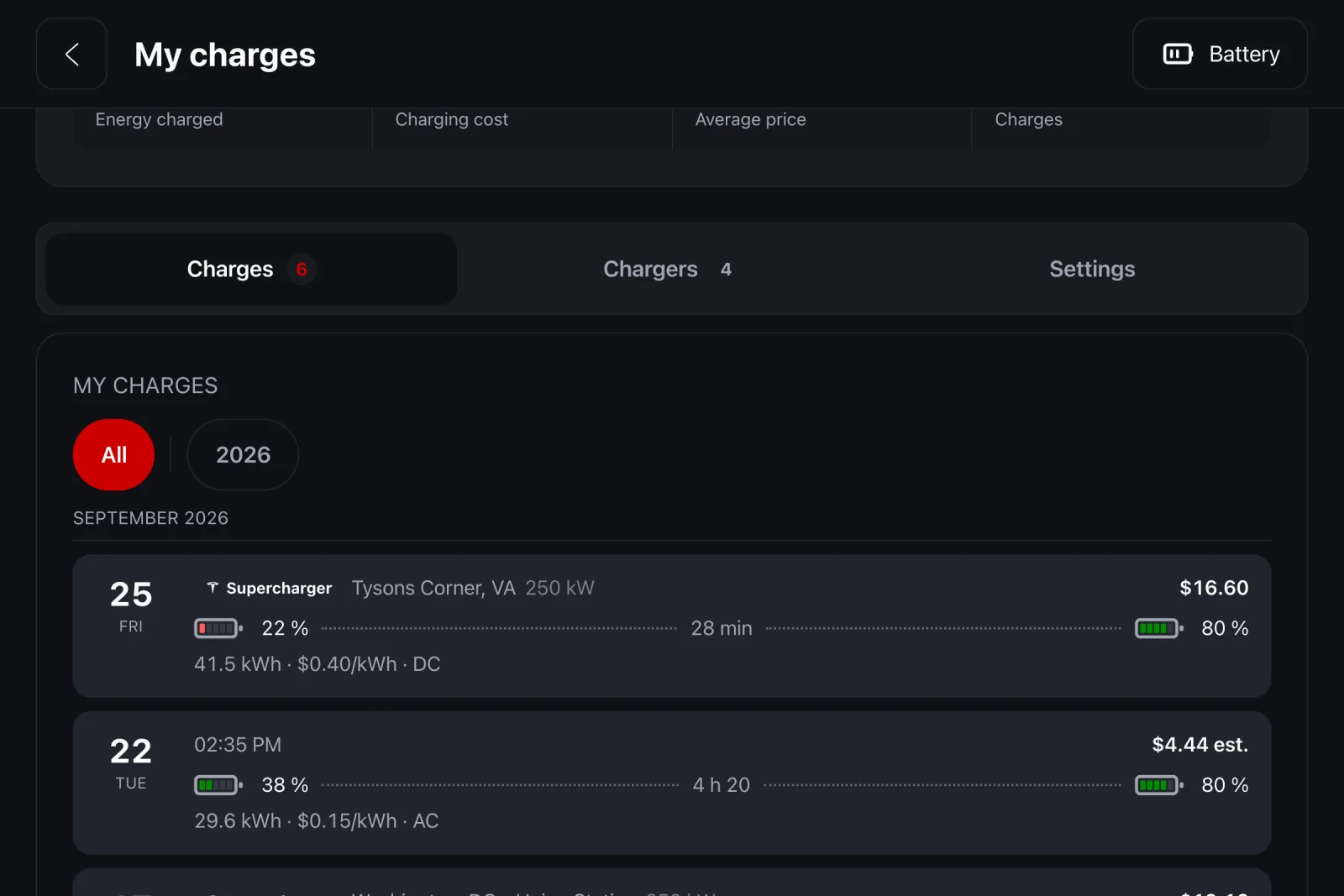
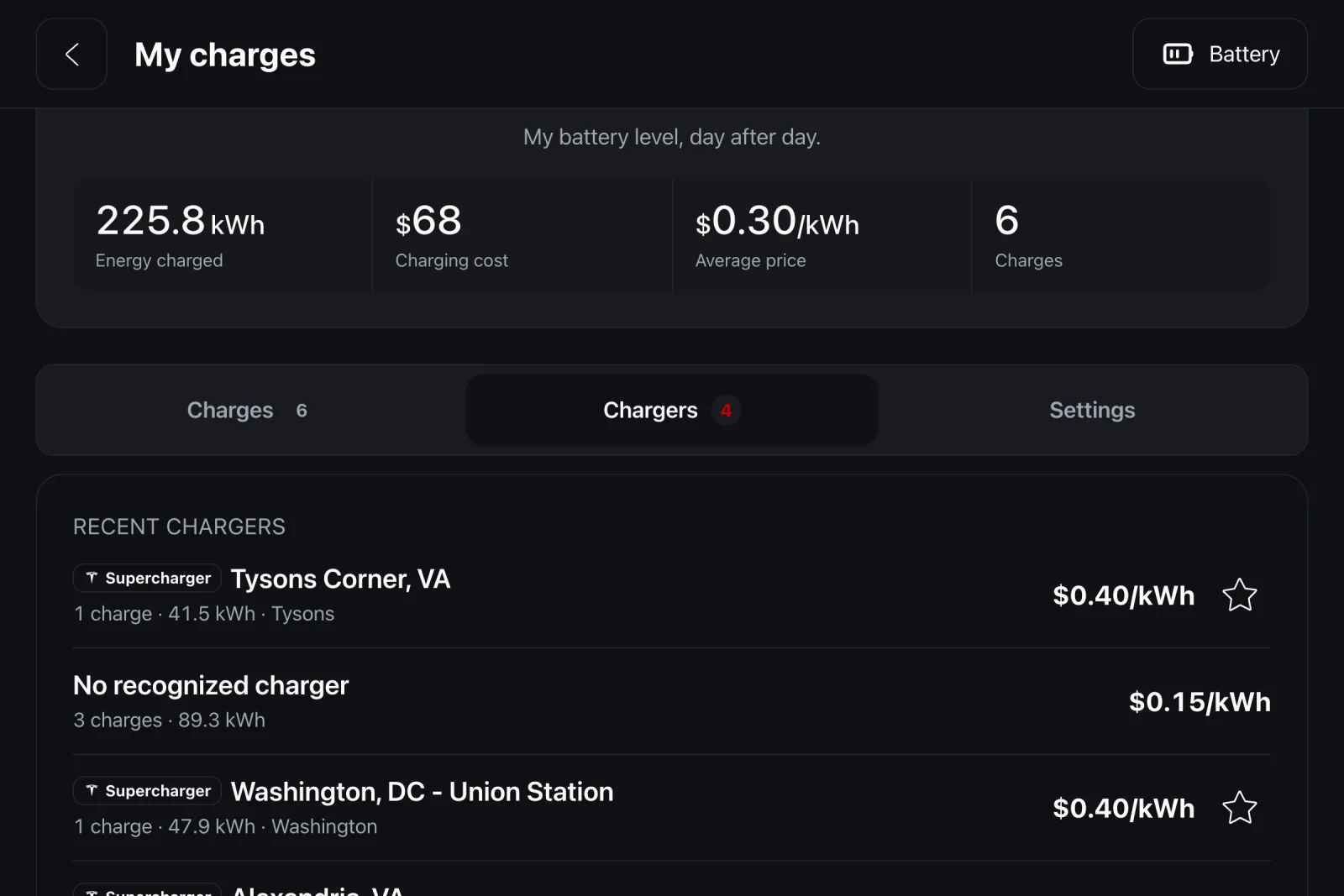
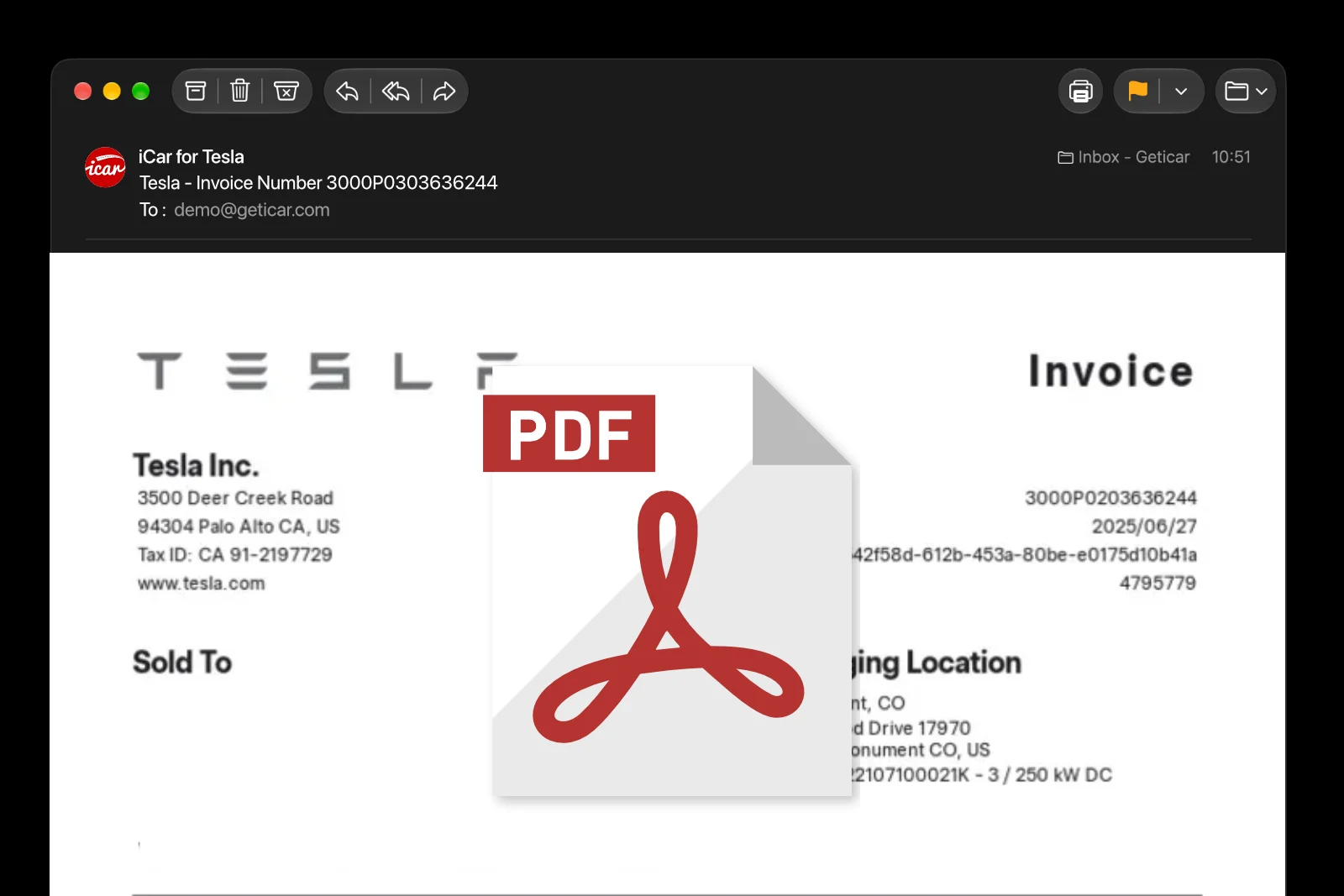
Every charge is logged with the energy received, the charger and its cost. At a Supercharger, the amount comes from Tesla's billing, taxes included. At home or at a public charger, it's calculated from the two rates you enter.
With no rate entered, no cost is shown: an invented average would look plausible, be wrong, and end up in your accounts.
Rate the charger.While you charge.
Five stars, and a few words if you like.
While you charge at a public charger, iCar invites you to rate it: five stars, and a short comment. Your rating is saved when you unplug, and you can change it until then.
Every Tesla has its sheet.In the reference.
Capacities, ranges and chemistries, generation by generation.
iCar's reference gathers, for every Tesla generation, the versions, battery capacities, announced ranges and chemistry. It's public and free, on geticar.com.
It's where the announced capacity used as the benchmark in “My battery” comes from.
And there's more.
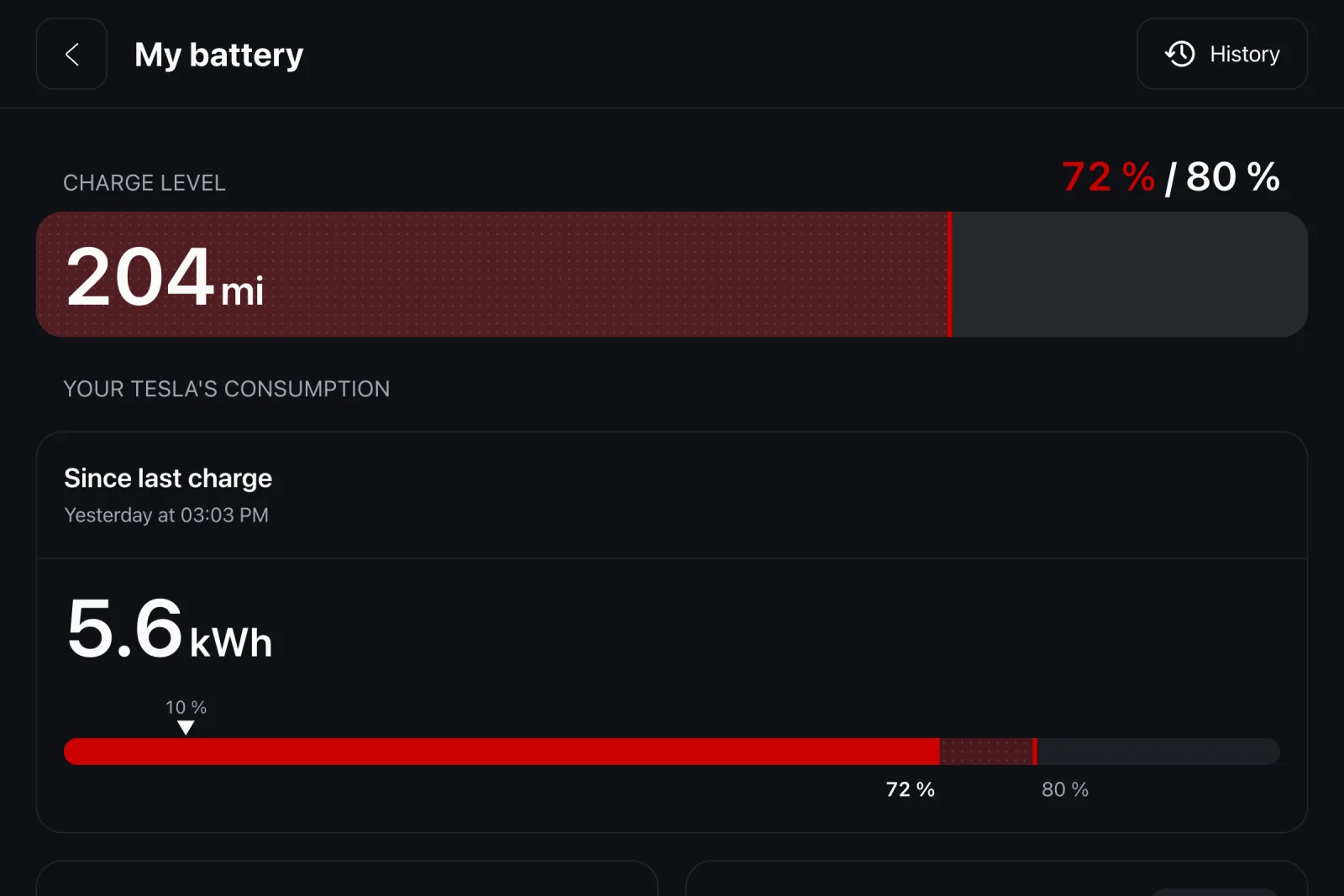
Charging, live. While the car charges, its home screen shows progress toward the limit, the energy received and the estimated cost.
Your battery's whole story. The battery level curve can be browsed month by month, as far back as your data goes.
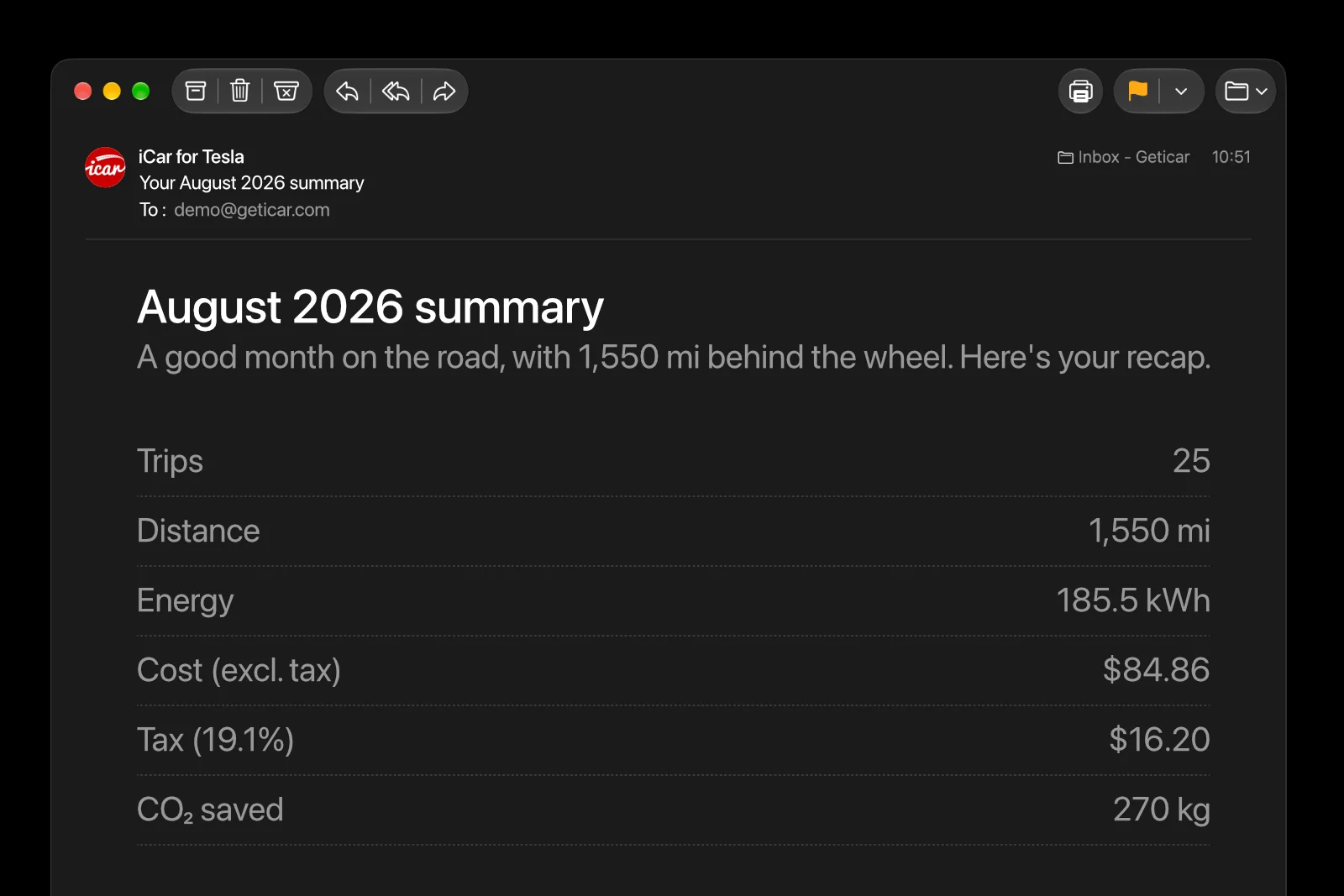
The cost of every trip. Every trip shows the energy used and what it cost, at the rate of your last charge.
Idle drain. Every parking since the last charge, with the points and kilowatt-hours lost.
What Sentry costs. How much battery it takes each day, measured on your own parkings.
Your charge cycles. The approximate number of full cycles since the car was new, in the Battery section of Help.
Keep reading
Try it. Free.
Free forever, no ads. The subscription starts with a 14-day free trial, cancel in one click.
- No ads
- No card for the free plan
- Cancel anytime