
Your Tesla's built-in browser can do much more
Every Tesla ships with a real Chromium browser on a fifteen-inch screen. Most owners never open it. Here is what it can do, what it cannot, and how to make it useful every day.
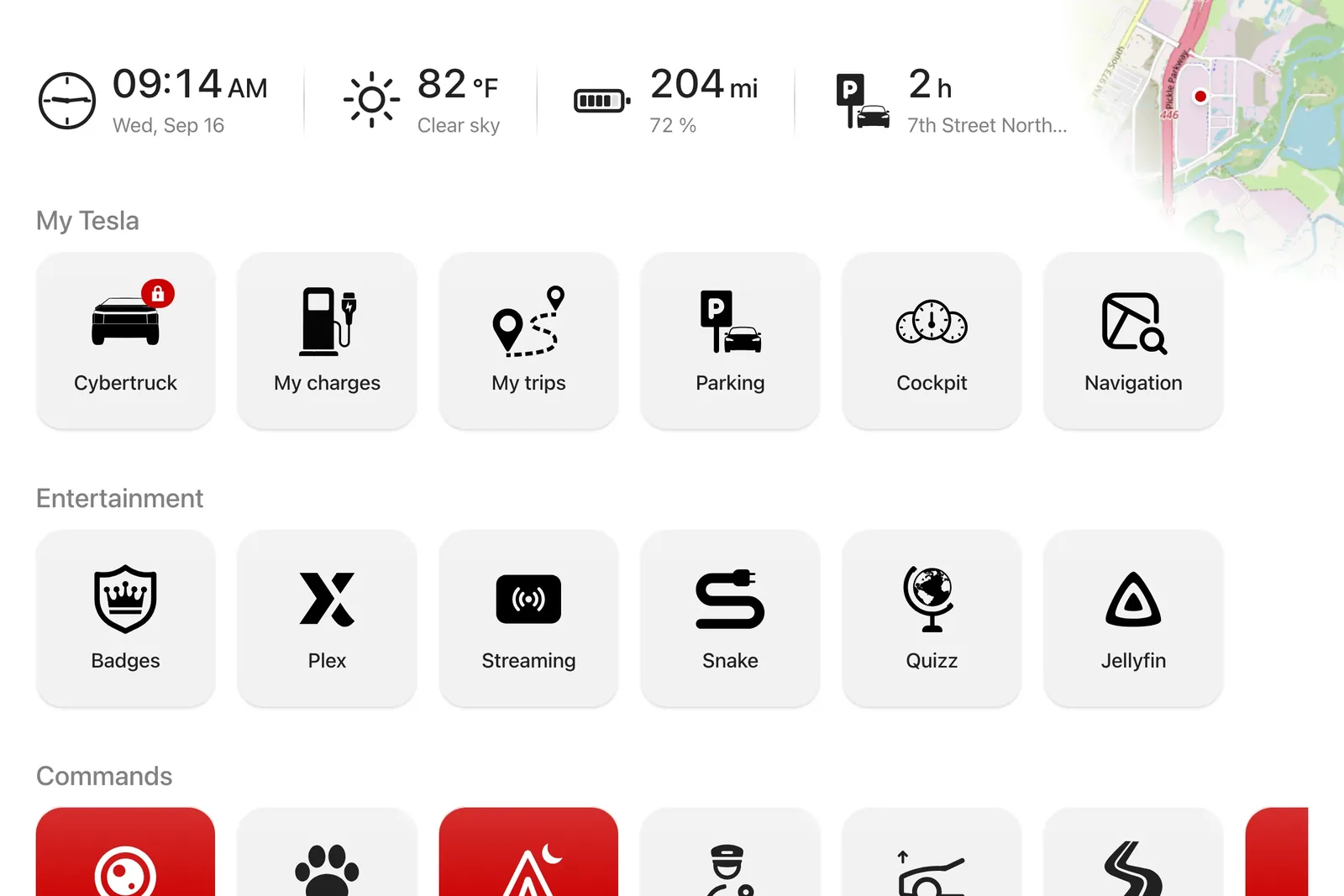
What the built-in browser can do
It is a recent Chromium: modern sites render correctly, touch works, connectivity comes from the car's SIM or Wi-Fi. Anything that works in desktop Chrome works here in principle: news, online radio, maps, web apps.
It keeps your cookies: a site you signed in to stays signed in between drives, which makes account-based services genuinely usable.
What it cannot do
No extensions, no ad blocker, no file downloads. Fullscreen is fragile: a navigation can drop it. Some DRM-protected content will not play, which rules out part of the streaming platforms.
While driving, Tesla restricts video: that is a safety rule, not a browser flaw. Audio keeps playing, which is all radio and podcasts need.
The real problem: the start page
The browser opens on a blank page or the last site visited. Every use starts by typing an address on a vertical touchscreen, which is enough to kill the habit.
The fix is a start page designed for the car: a grid of big, sun-readable shortcut tiles that puts news, radio, maps and your own sites one tap away. That is exactly what iCar does: you arrange the grid from your phone, the car screen picks it up within seconds.
Three uses that change your drives
Charging: charging network sites work well in the car, and a map of Superchargers within your actual battery range beats mental math.
Waiting: a 25-minute charge goes faster with live TV, today's news or a simple on-screen timer.
Everyday: weather at the car's real position, traffic, and your own favorites, the ones no carmaker will guess.
Ready to try? The bookmark grid is free, with no time limit.
Download