
YouTube fullscreen in a Tesla
The most asked question on Tesla forums. Short answer: yes, while parked, and not always on the first try. Here is what actually works in 2026.
Theater mode first
While parked, the car's Entertainment tab offers Theater mode with YouTube built in: that is the official path, fullscreen, and it covers most cases.
Its limits: parked only, and the Theater YouTube is a TV build, less convenient than the full site for accounts, playlists and history.
Through the browser: the trick that works
In the browser, youtube.com renders as desktop and the player's fullscreen button works, but a navigation can drop fullscreen: that is embedded Chromium behavior, not a bug.
The reliable trick is to open the video first and request fullscreen as the last gesture, then leave the page alone. Some relay sites trigger it for you; beware the ad-ridden ones.
While driving: video stops, by design
As soon as the car moves, video is restricted: the rule targets images visible to the driver, in nearly every country. Audio keeps playing, which turns any video into a podcast for the drive.
No serious trick gets around it, and the ones that circulate cost you reliability or legality. An honest product tells you that instead of selling the opposite.
Comfort is getting there in one tap
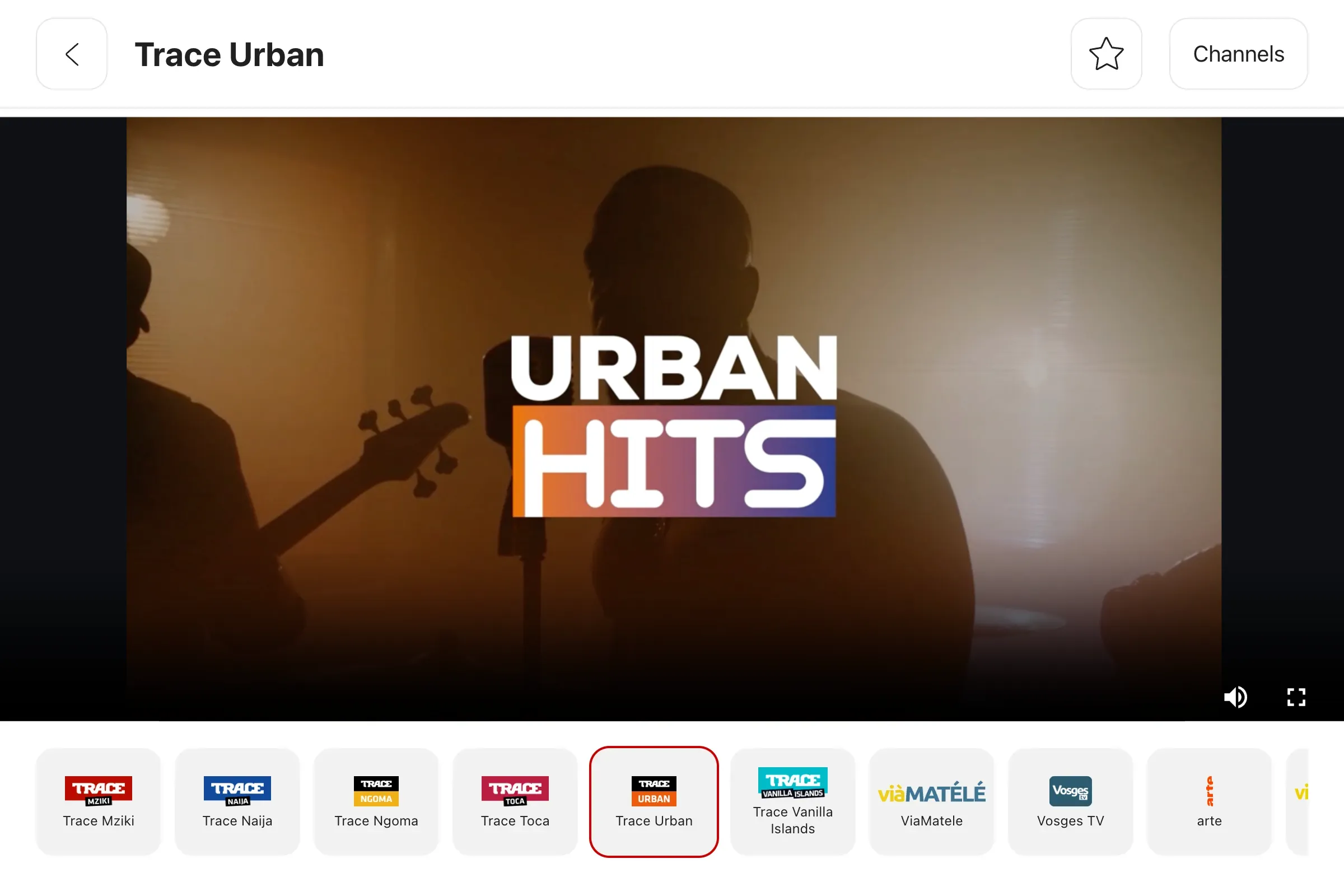
The real annoyance is not fullscreen, it is retyping the address every time. With a start page like iCar, YouTube is a tile: one tap, and the grid also keeps your other charging-time screens, live TV included.
Ready to try? The bookmark grid is free, with no time limit.
Create my account