
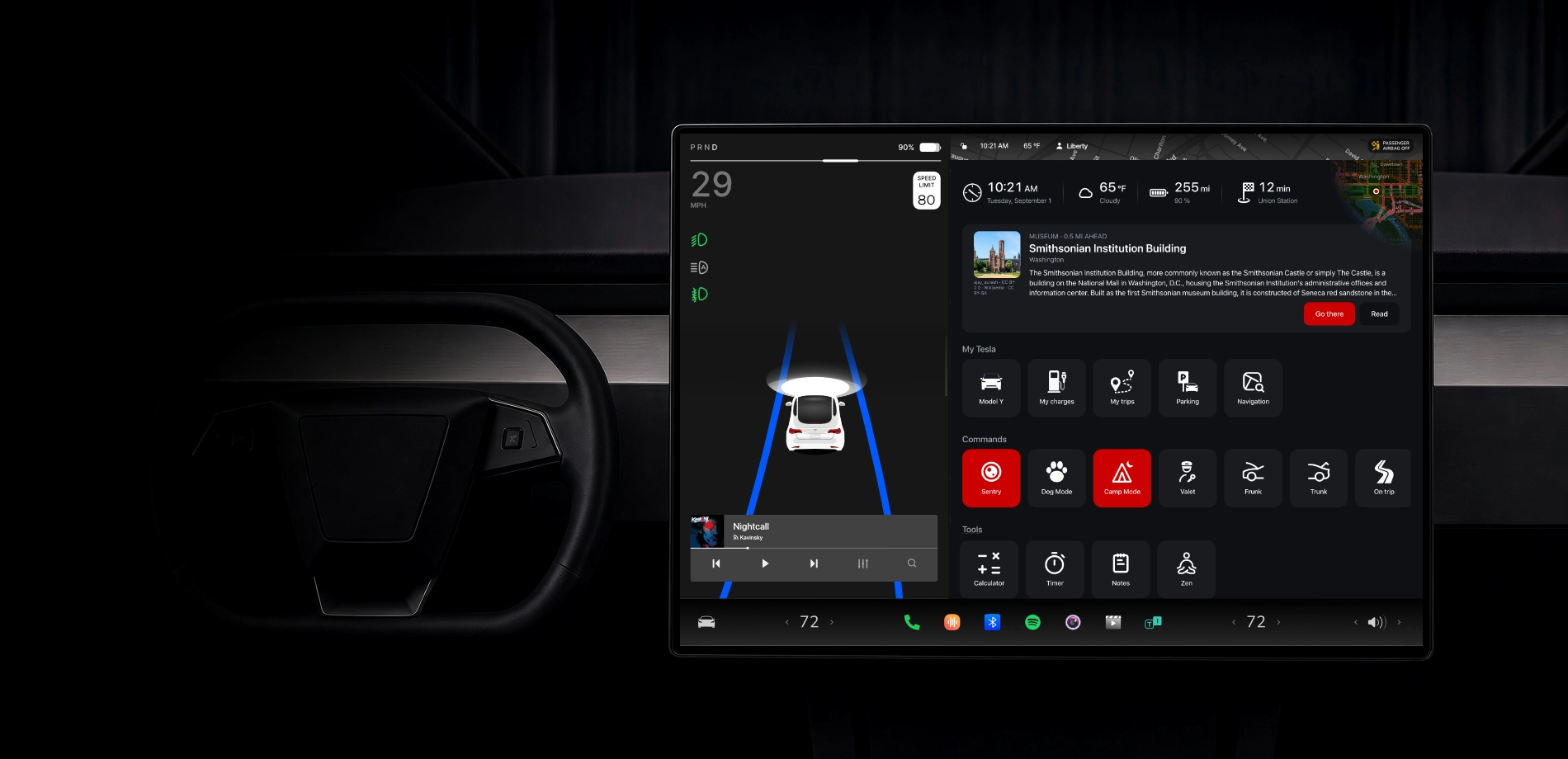


All your favorites. Finally within reach.
Replace the blank page of your Tesla's browser with a start page of your own, where every site you use is one tap away.
Your car will keep no secrets.
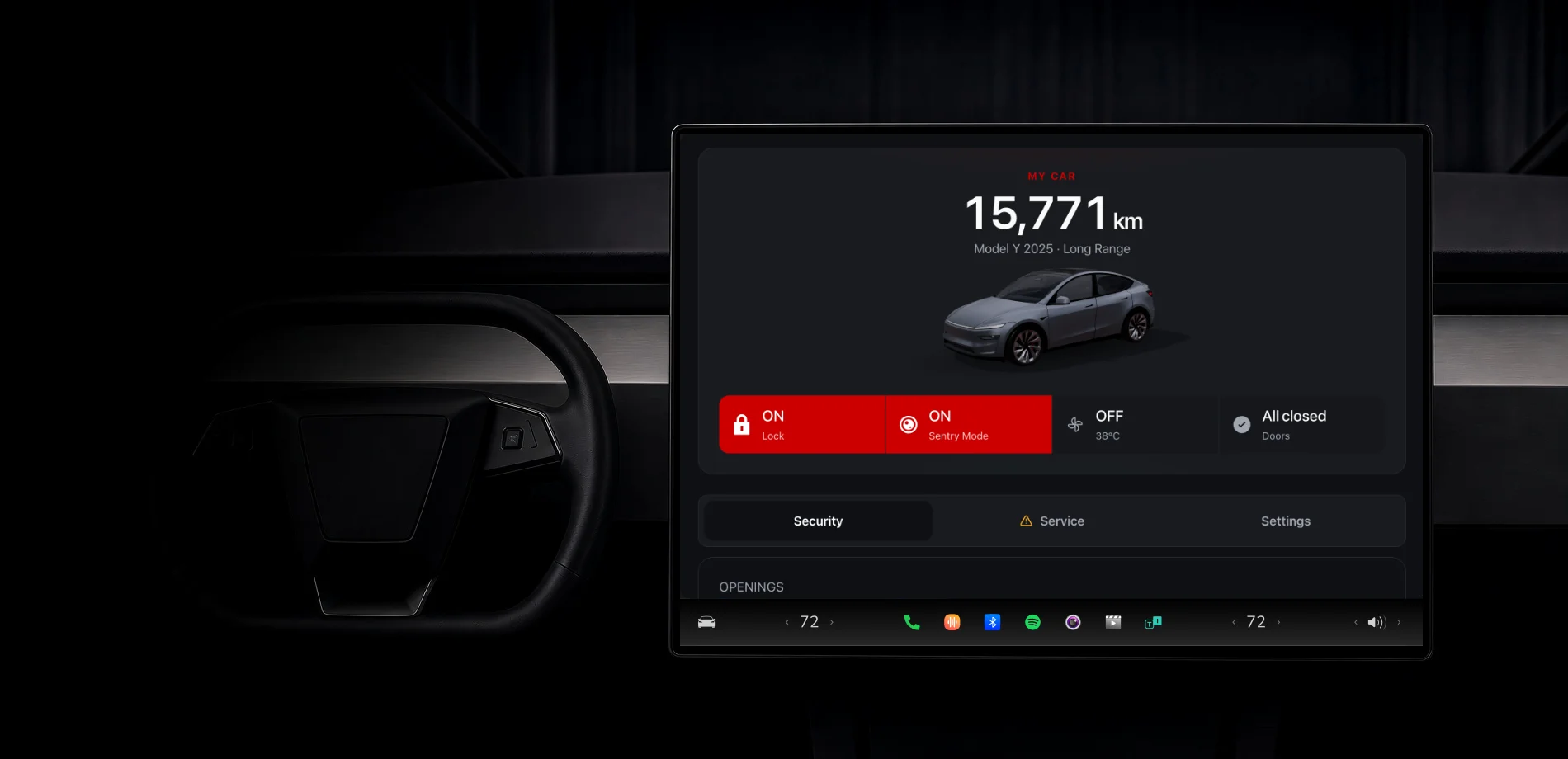
All your Tesla's data, including what it never shows you. And what it takes to act on it: sentry, camp mode, trunks, charge limit by place, trips and charging.
Available on iOS and Android.
The same app on iPhone and on Android: sort your favorites from the sofa and the car follows within seconds, find where it is parked, its trips and its charging.
0 000 000 mi
traveled with iCar for Tesla
Sentry & Response
A Tesla ready to defend itself.You are alerted.
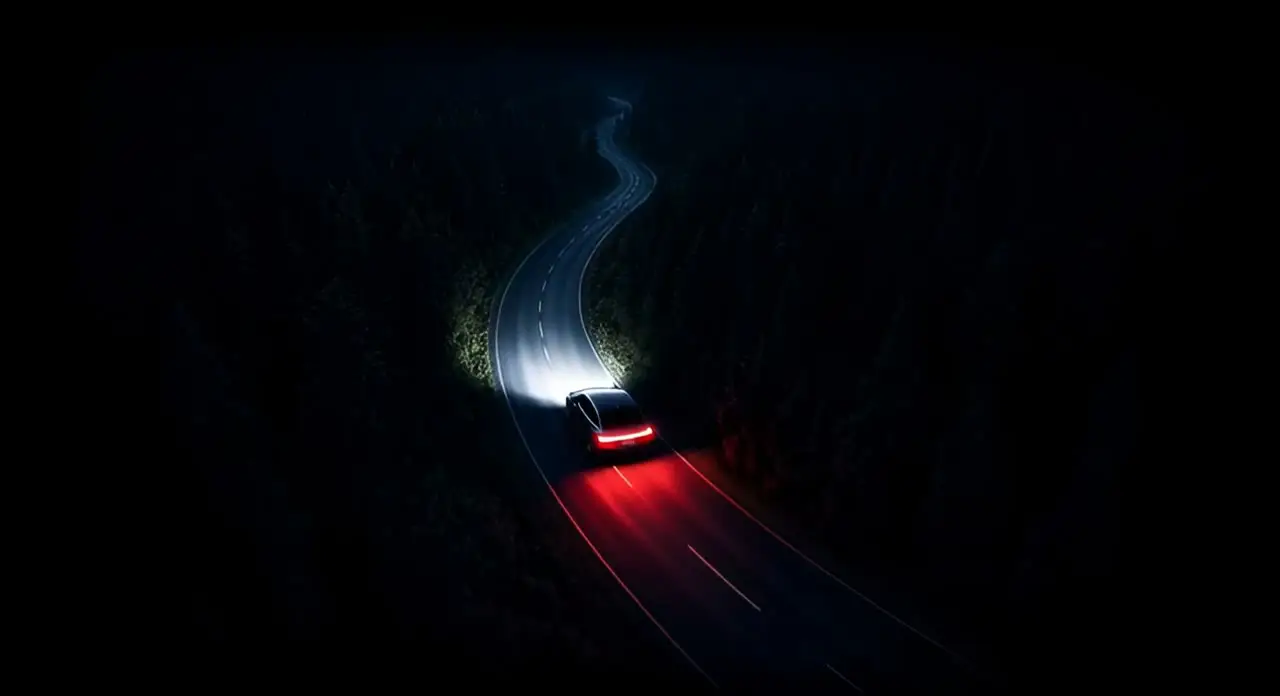
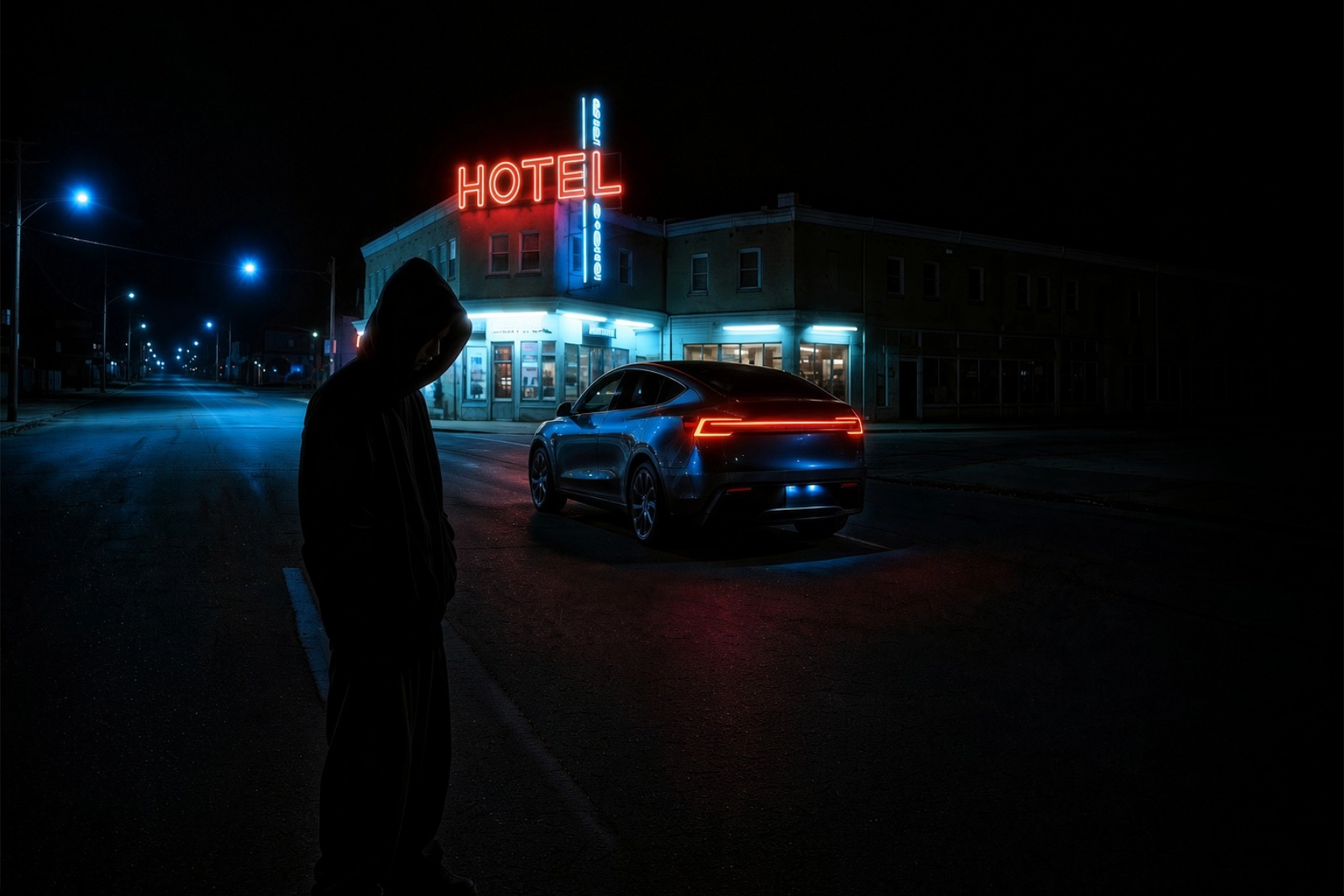
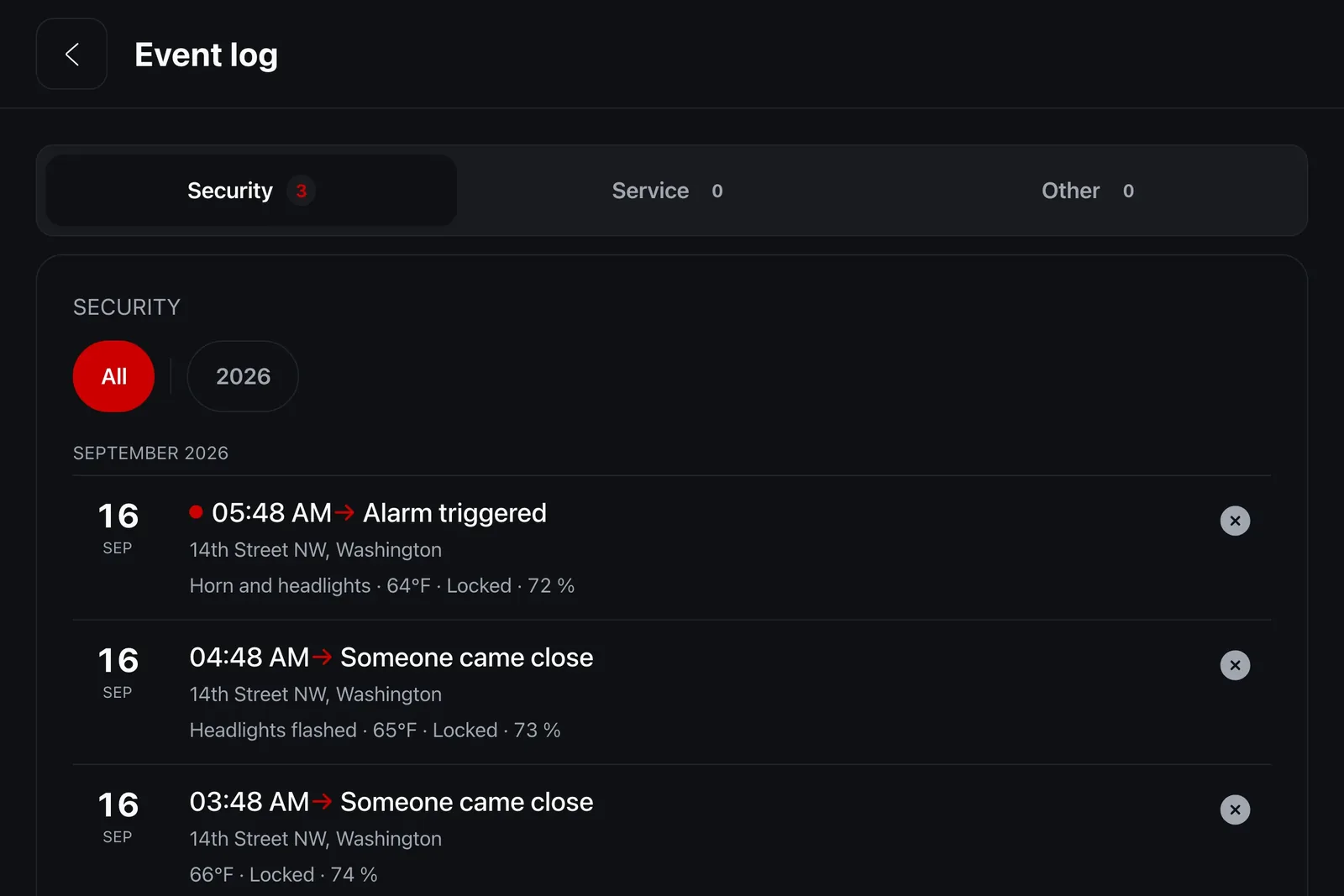
Tesla's Sentry Mode films vandalism or a break-in. Its cameras record, and that is all: nobody is warned, nobody is deterred, and no readable trace is left. iCar adds all three.
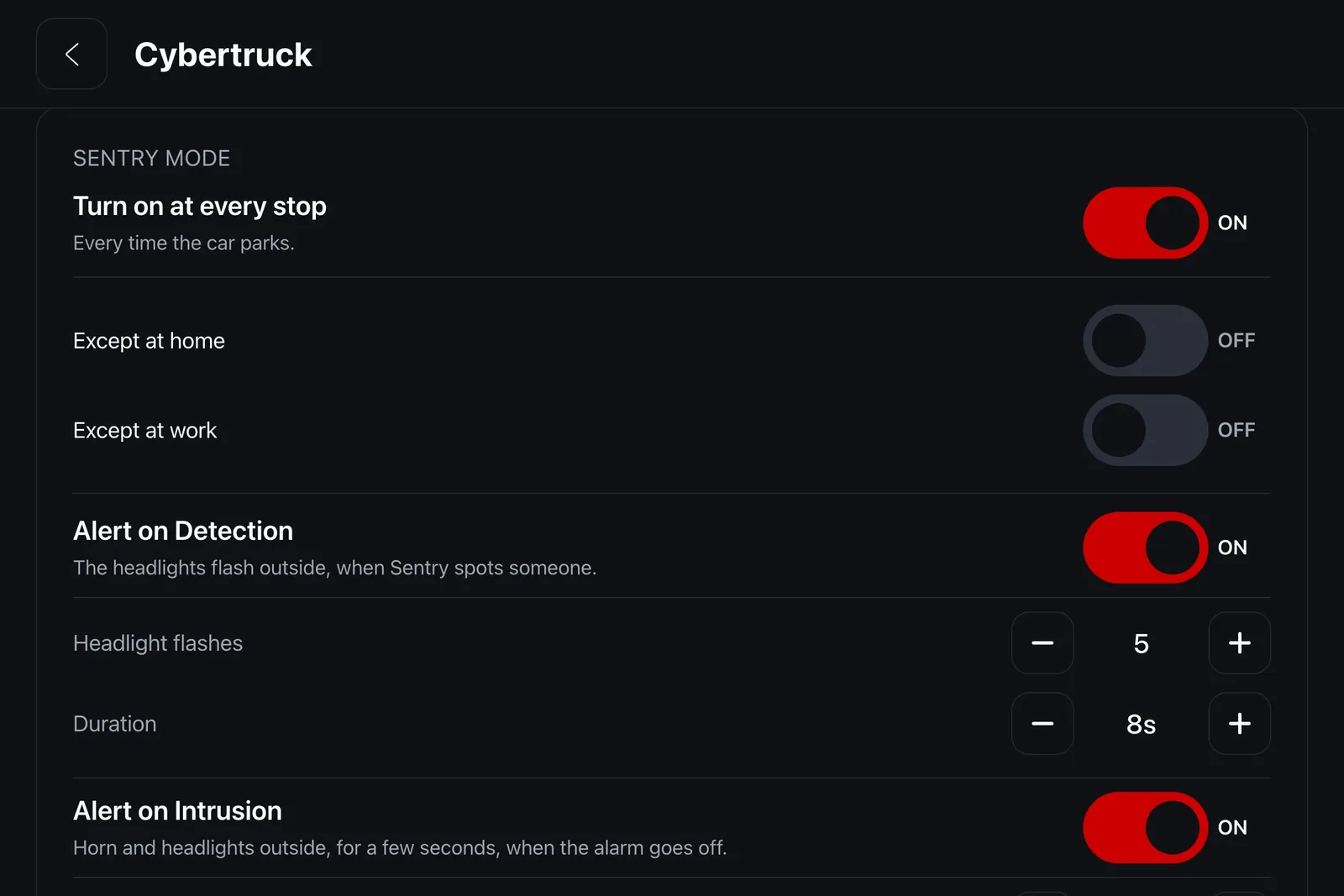
- The headlights and the horn answer
- On approach, a flash of the headlights says the scene is being filmed. On alarm, the horn joins in. Two separate switches: an underground car park at night may want only the first.
- A dated log, with the address
- Every approach is logged with its time, its address, the temperature and whether the car was locked, and kept for ninety days. That is what a police report asks for.
Battery & Charging
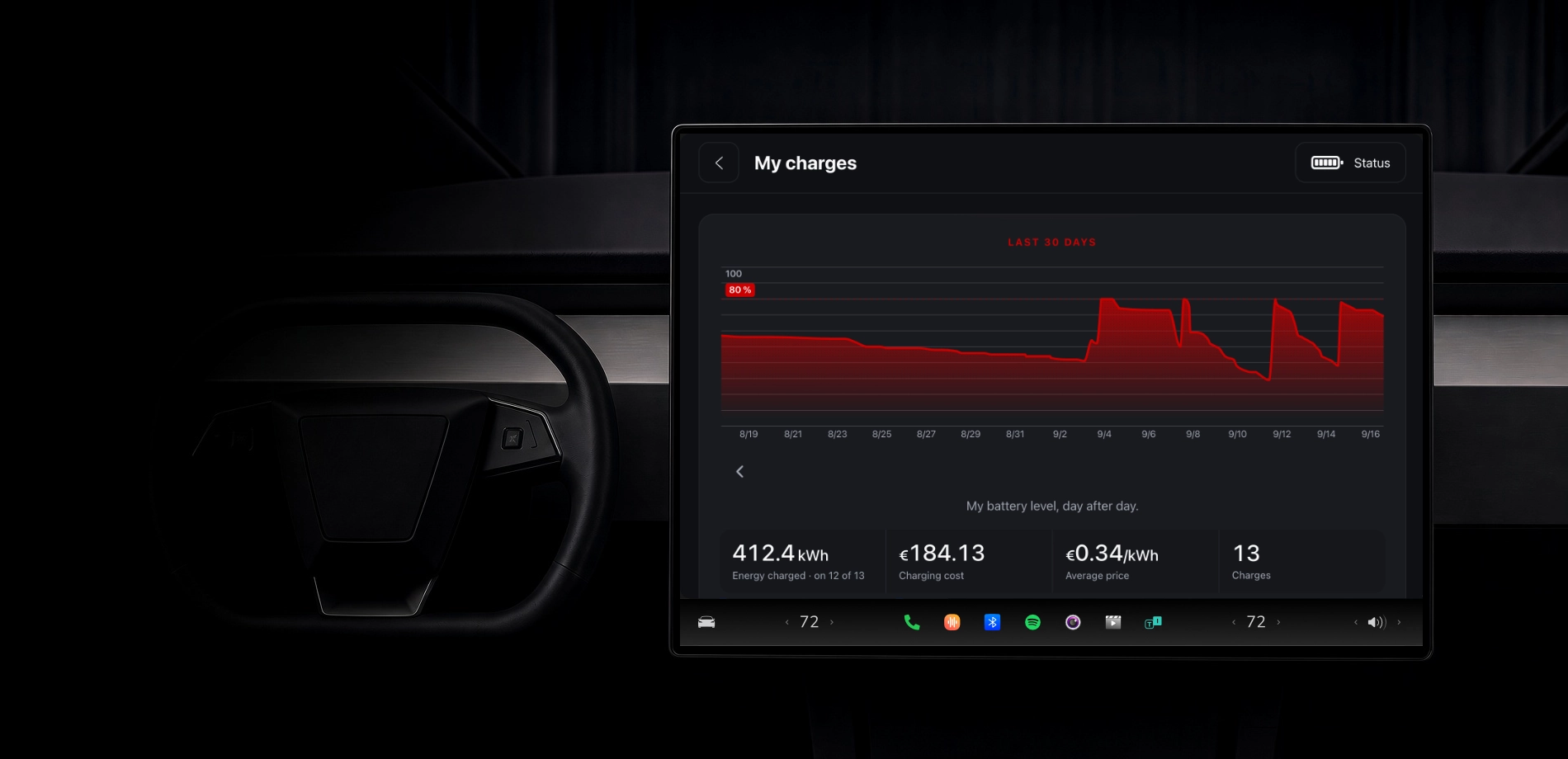
Every charge.And what it really cost.
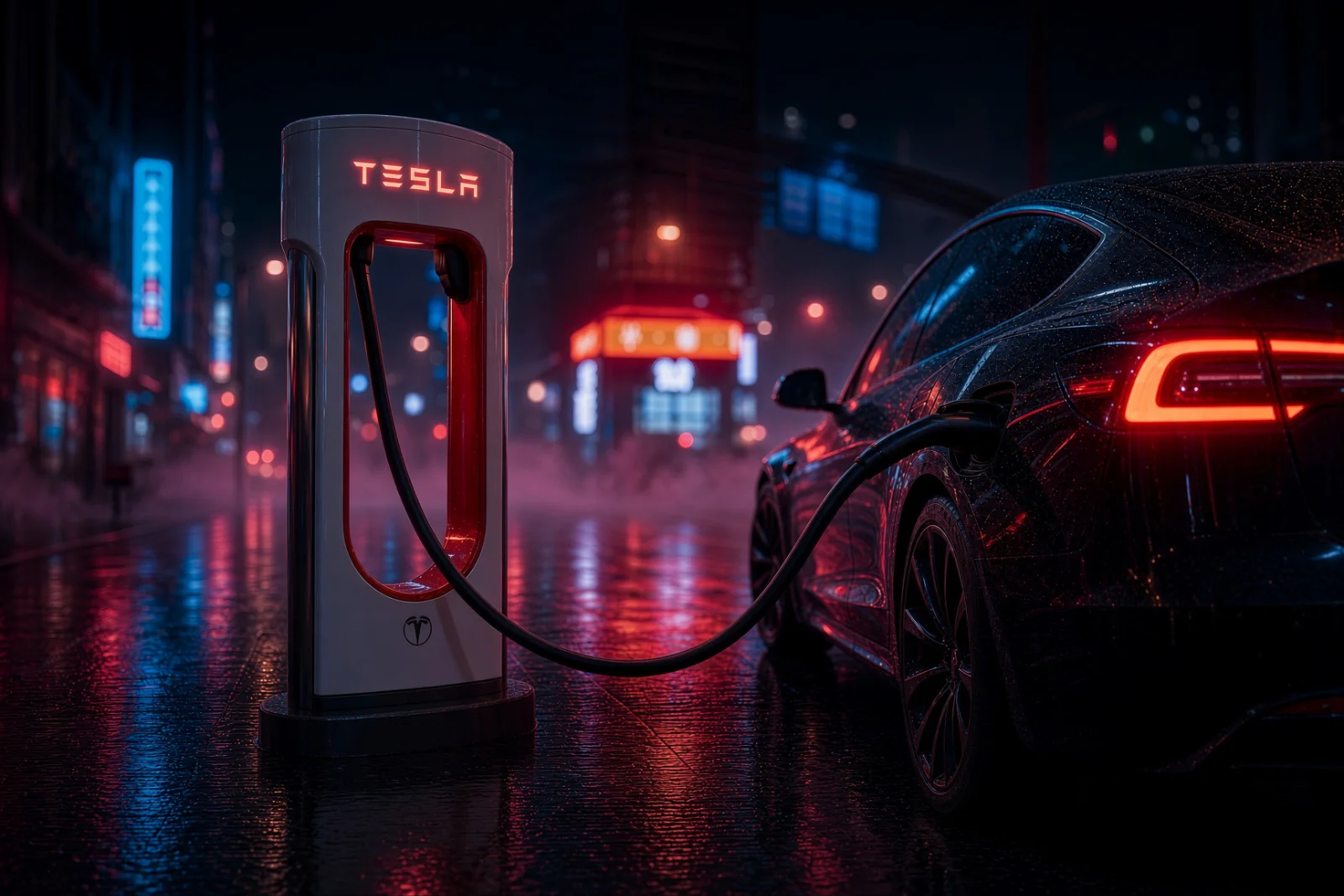
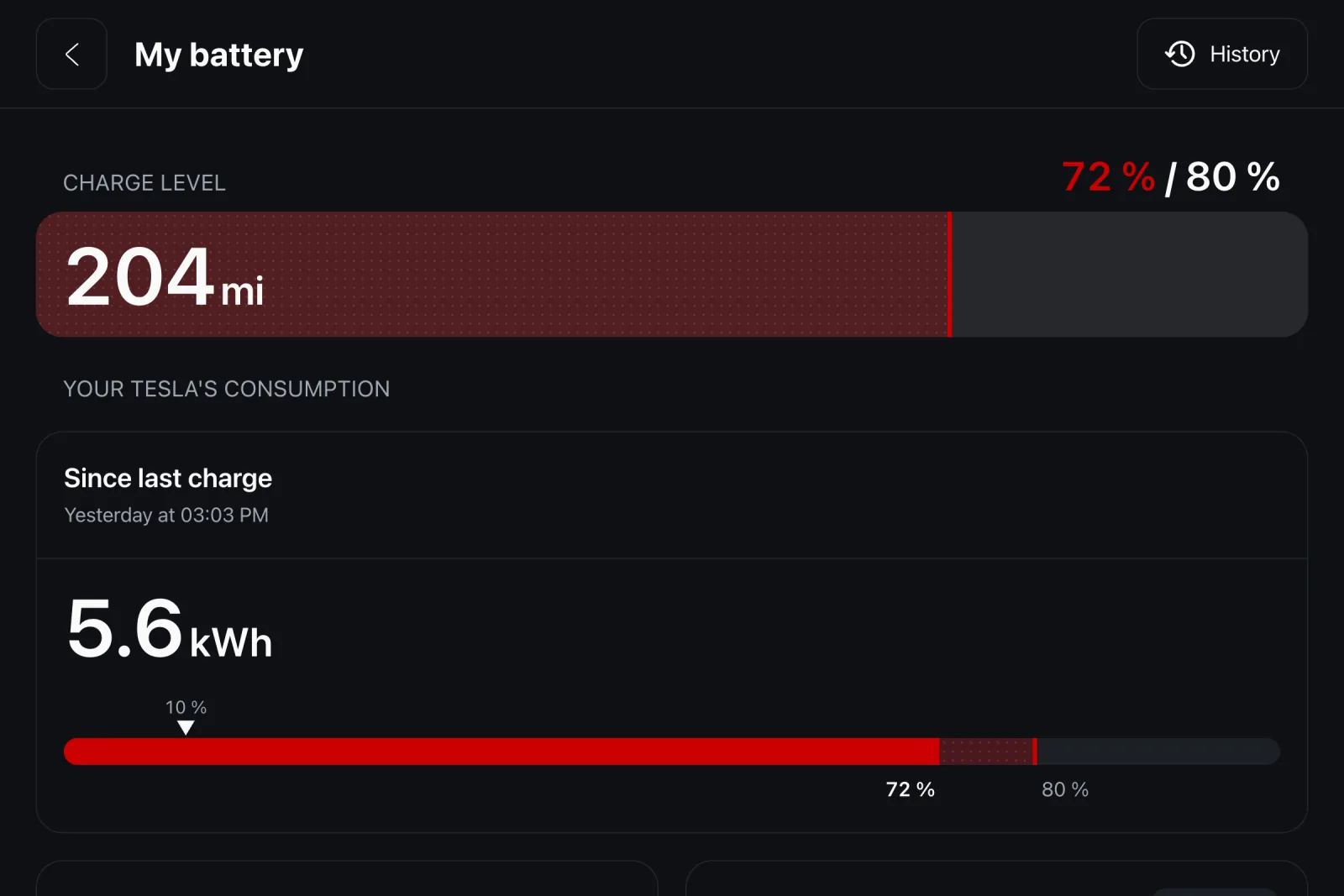
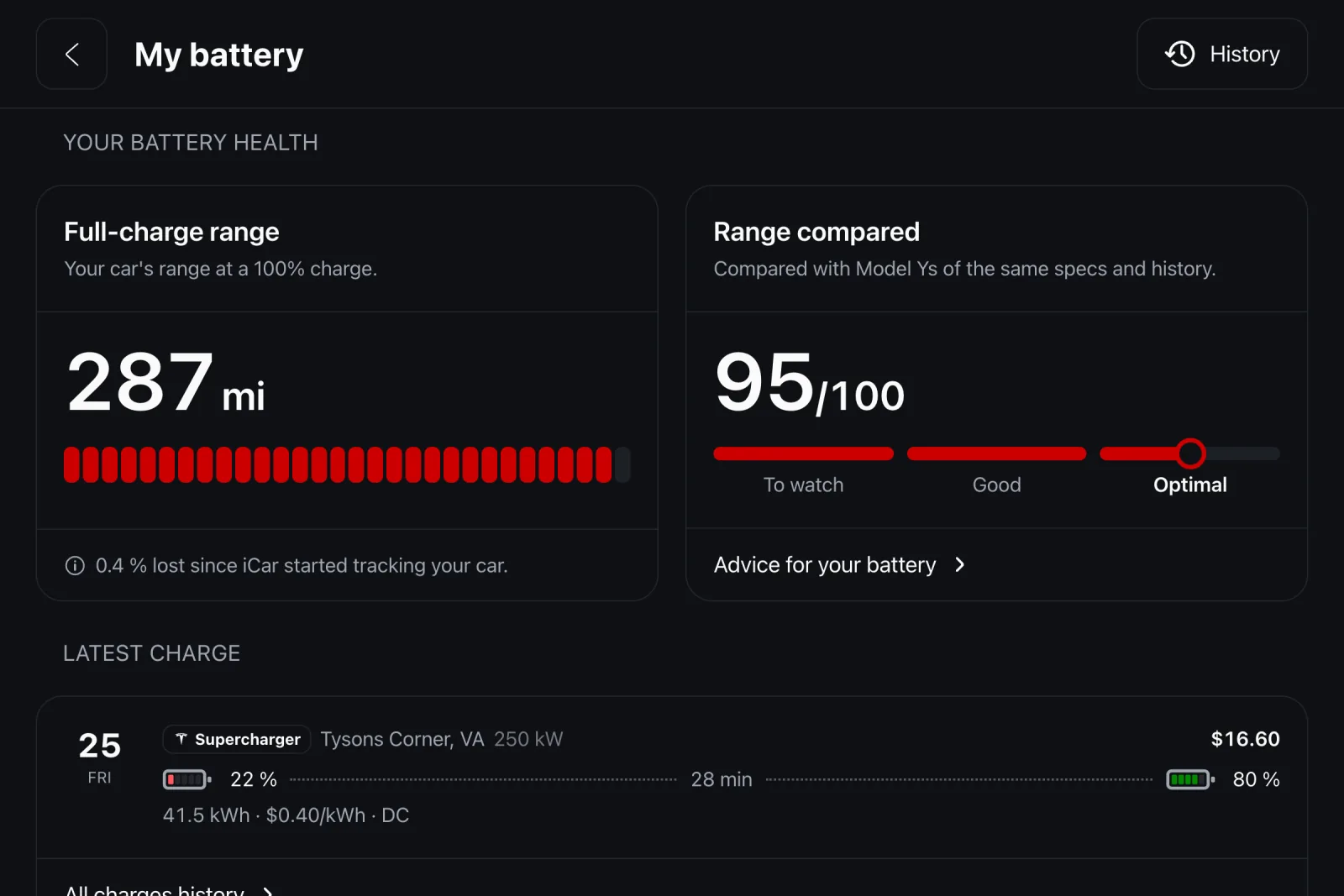
Range, charge limit, degradation against the best reading on record, and your charging log with the energy delivered and what it cost.
- The setting Tesla doesn't offer
- 80% at home to spare the battery, 100% at work to leave with range to spare. iCar sets the limit the moment you plug in. The car only reports that it is there; no address is ever shared with us.
- Superchargers you can actually reach
- Not the closest ones: the ones truly within what you have left. The radius comes from your range at this moment.
Streaming & On Demand
Your media library.And the world's.
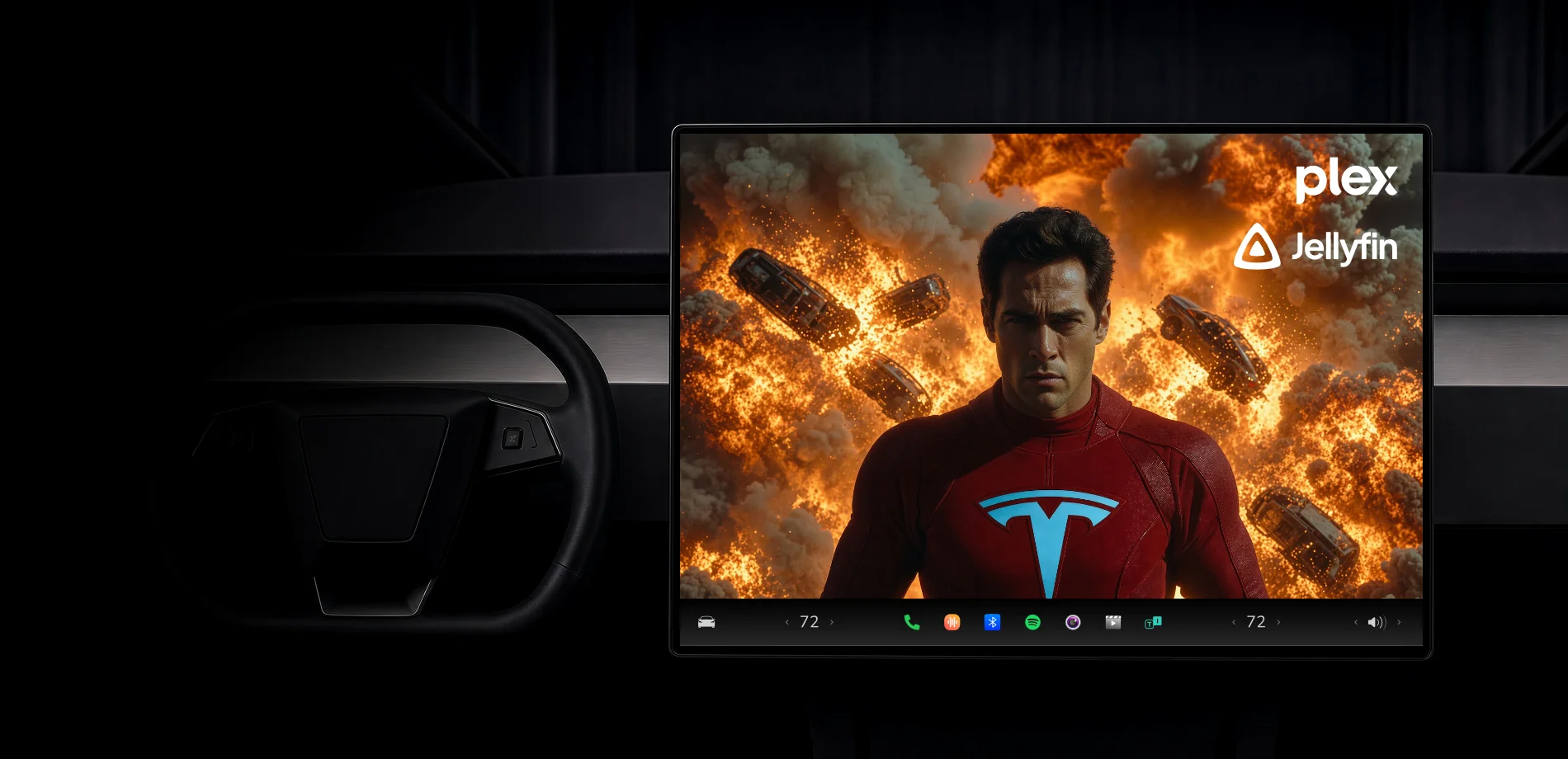
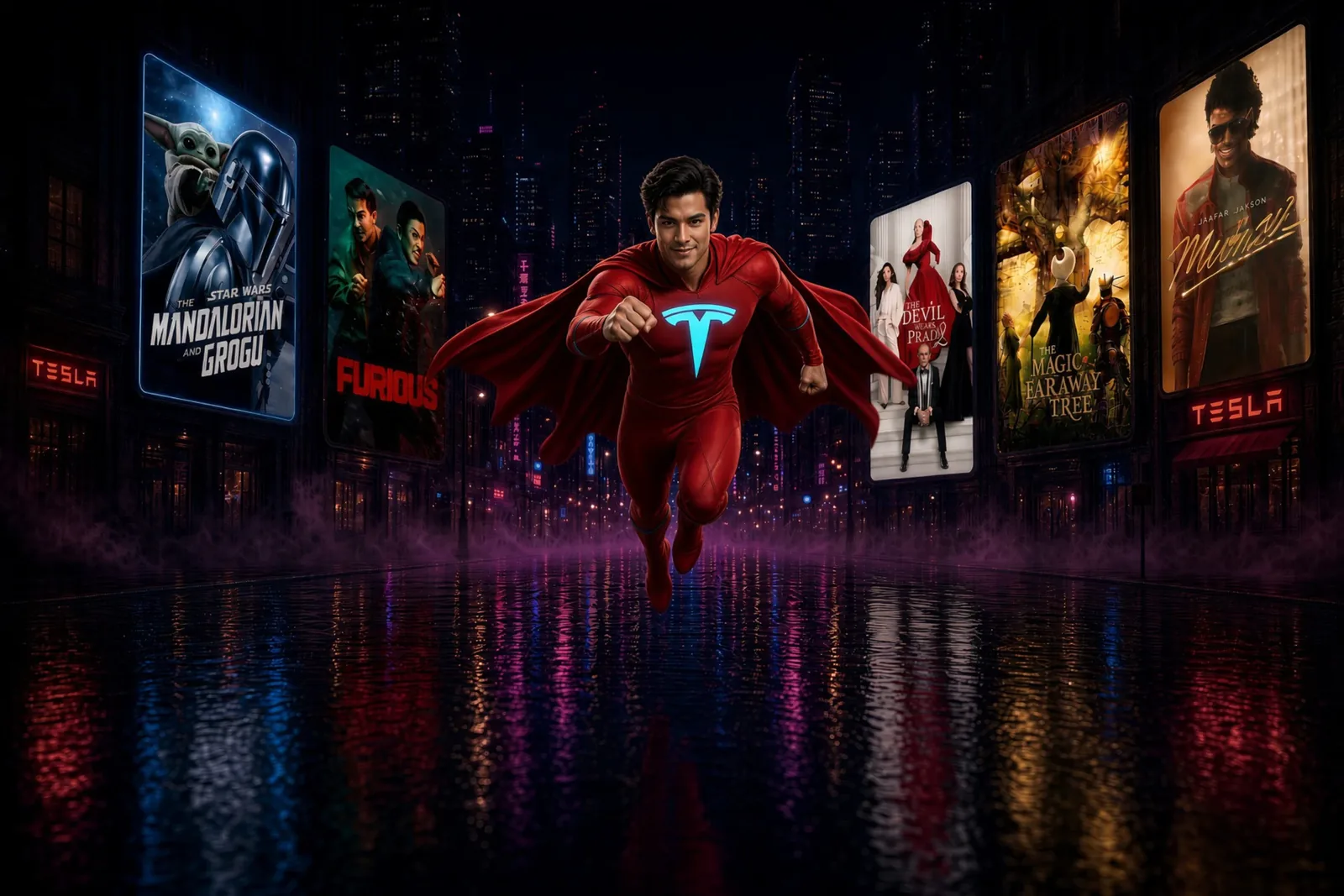
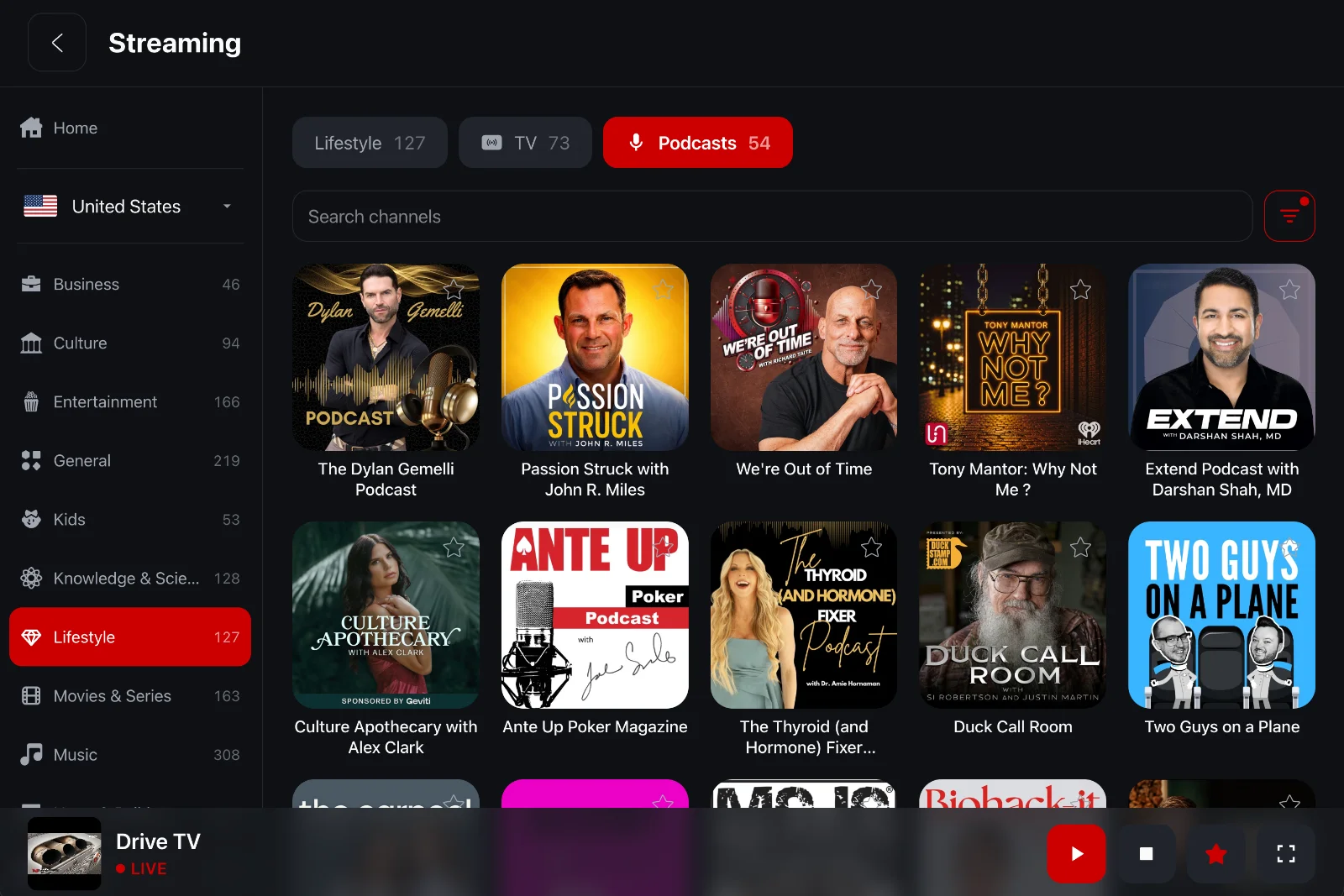
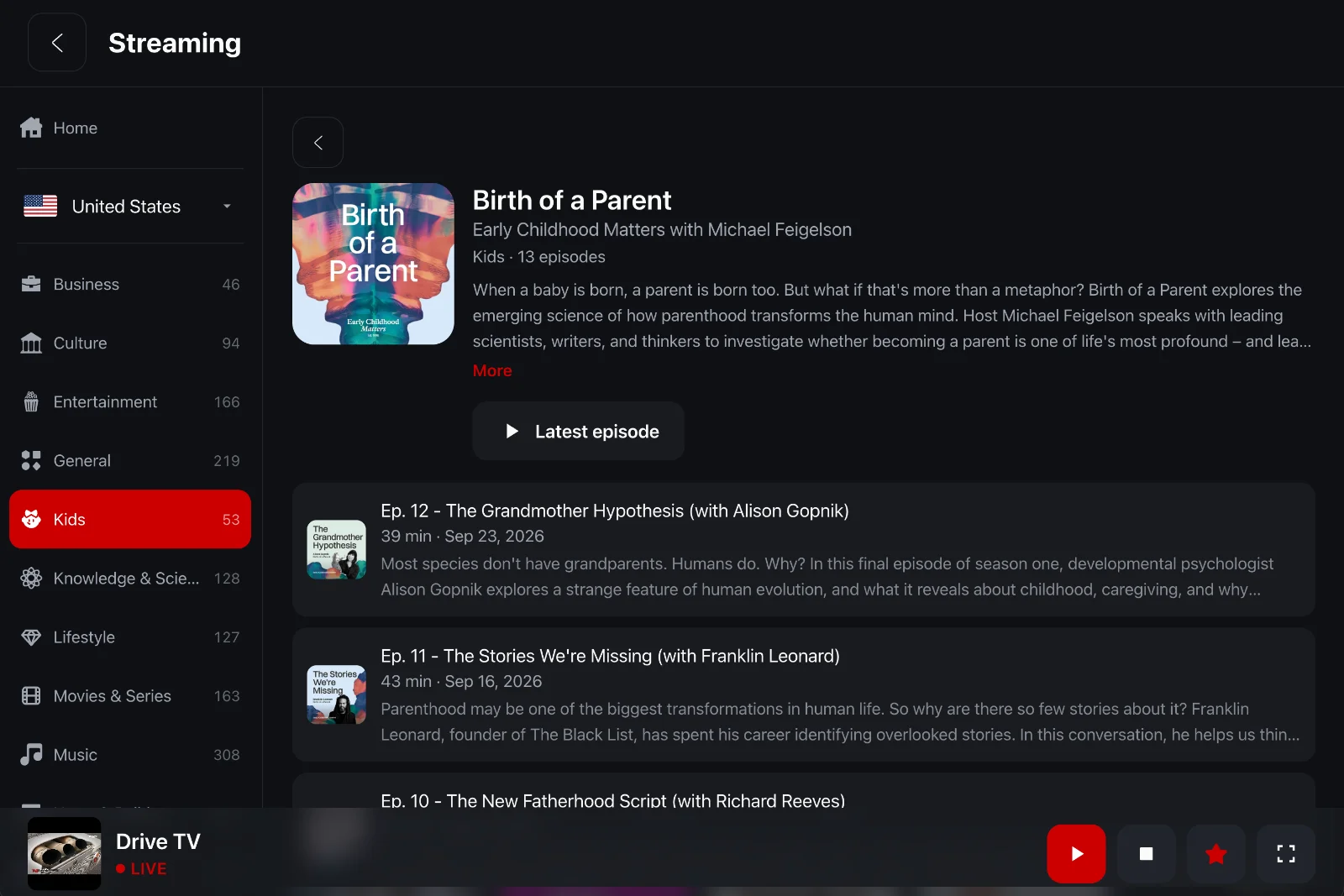
A charging stop lasts twenty minutes, sometimes forty. iCar puts thousands of TV channels, radio stations and podcasts from around the world, your Plex library and a few games on the car's screen.
- TV, radio and podcasts, nothing to install
- One hub that brings together live television, radio and podcasts from around the world, grouped by category. Nothing to install, no account to create: open the tile, pick one, it starts. And the sound keeps playing while the car moves, like a radio set.
- Your Plex, and games
- Your films, your series and above all your music, the ones you keep at home: one code to type, and your libraries appear with their posters, no streaming subscription and no quota. Plus Snake for charging stops, with its best score kept from one game to the next.
Trusted by Tesla drivers worldwide
Real numbers, real reviews, real drivers. Every single day.
Super application
Excellente application, très simple à utiliser. Je recommande
Très bonne appli, compteur sur smartphone bien lisible avec info batterie, reste à améliorer la possibilité d'utiliser waze en roulant et se serait parfait.
Presque parfait
Top d’avoir les infos sur l’écran de la voiture, mais il manque des infos pertinentes pour sur labo payant soit utile et sur cette app me fasse abandonner Tessie. Il manque la température de la batterie, la conso sur les trajets par exemple. Un peu plus de data si possible. Rien à redire sur le reste. Des fonction d’ailleurs très utile comme le klaxon répété en cas d’effraction.
4.7 / 5
Rating on the App Store
Molto completa e conveniente
Eccezionale, ha tutto quello che serve.
Super Appli
Très satisfait
Fait de ton iPhone un deuxième écran
Sympa et français
4.8 / 5
Rating on Google Play
Quelques bugs de jeunesse, mais bonne application dans son ensemble
Ajoute des fonctionnalités
Appli carrément génial, permettant notamment d’avoir des alertes à l’approche du véhicule ce que l’appli tesla ne permet pas, et pleins d’autres fonctionnalités.
App très sympa
J’ai installé l’app et j’ai eu quelques petits soucis de remontée de données, mais avec l’aide du support qui a été très réactif, cela fonctionne parfaitement maintenant. Je recommande vivement.
4.7 / 5
Rating on the App Store
Cool
Excellente application. Très bien pensée.
excellente application. Pour un suivi complet ce serait bien d'enregistrer le kilométrage de la voiture à chaque recharge.
Au top
Très bonne application pour tesla
4.8 / 5
Rating on Google Play
Bravo a l’équipe de Dev !
Application top avec beaucoup de fonctionnalités, je recommande vivement
Je le recommande
Bien
Impressionnant !
Travail de dingue, résultat magnifique. Bravo et merci.
4.7 / 5
Rating on the App Store
Traffic & Speed cameras
Drive with confidence.No surprises.
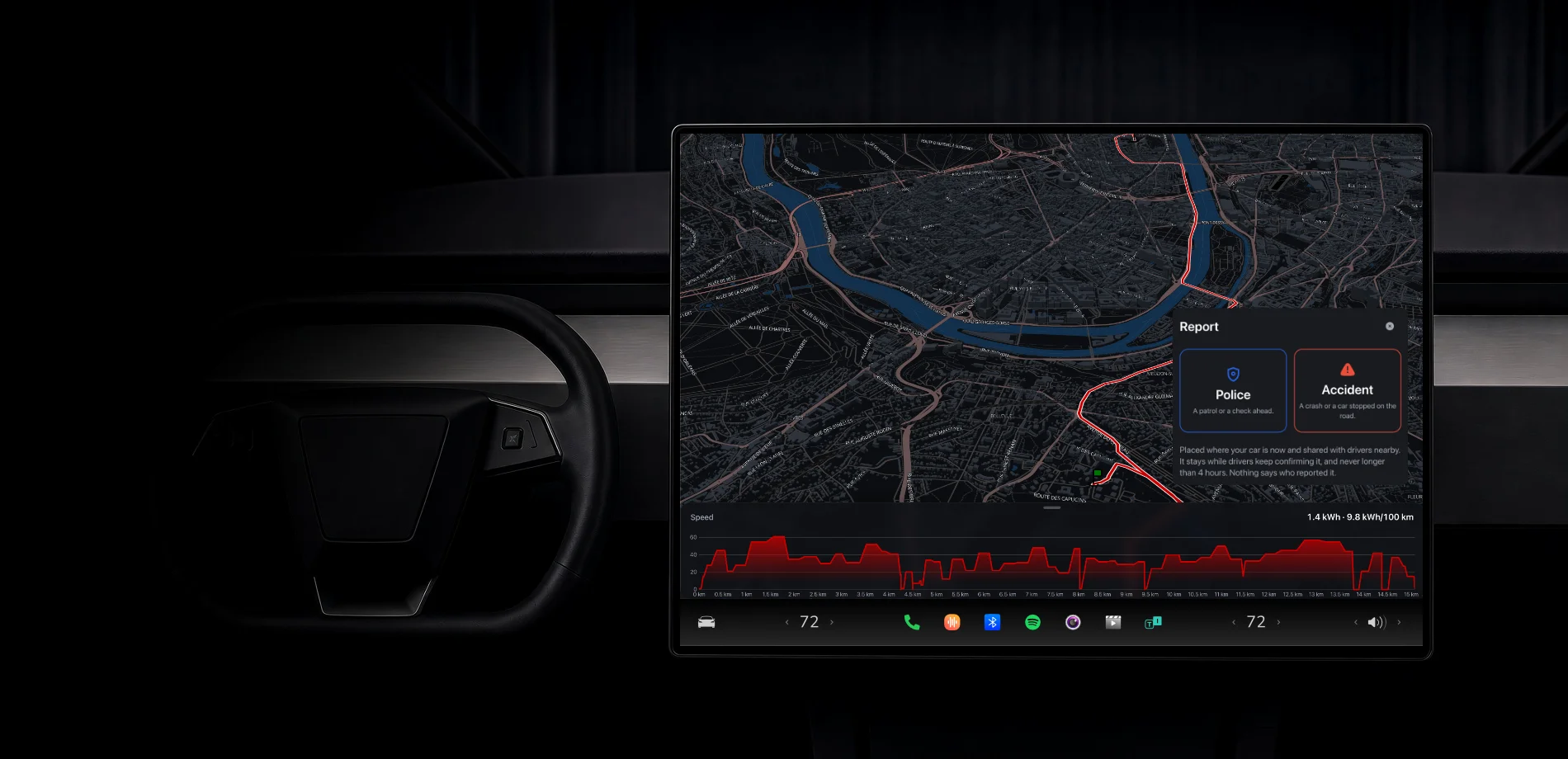
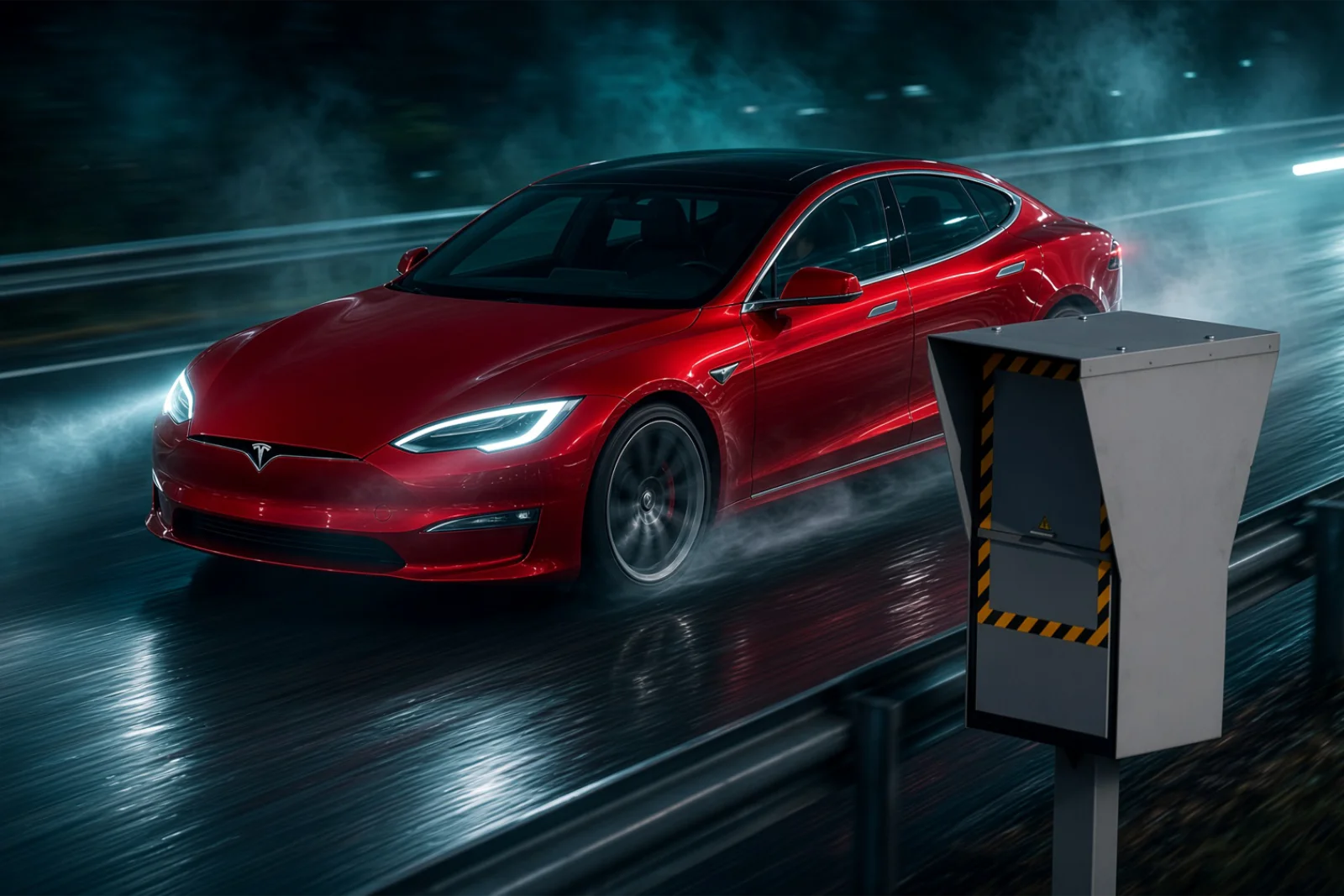
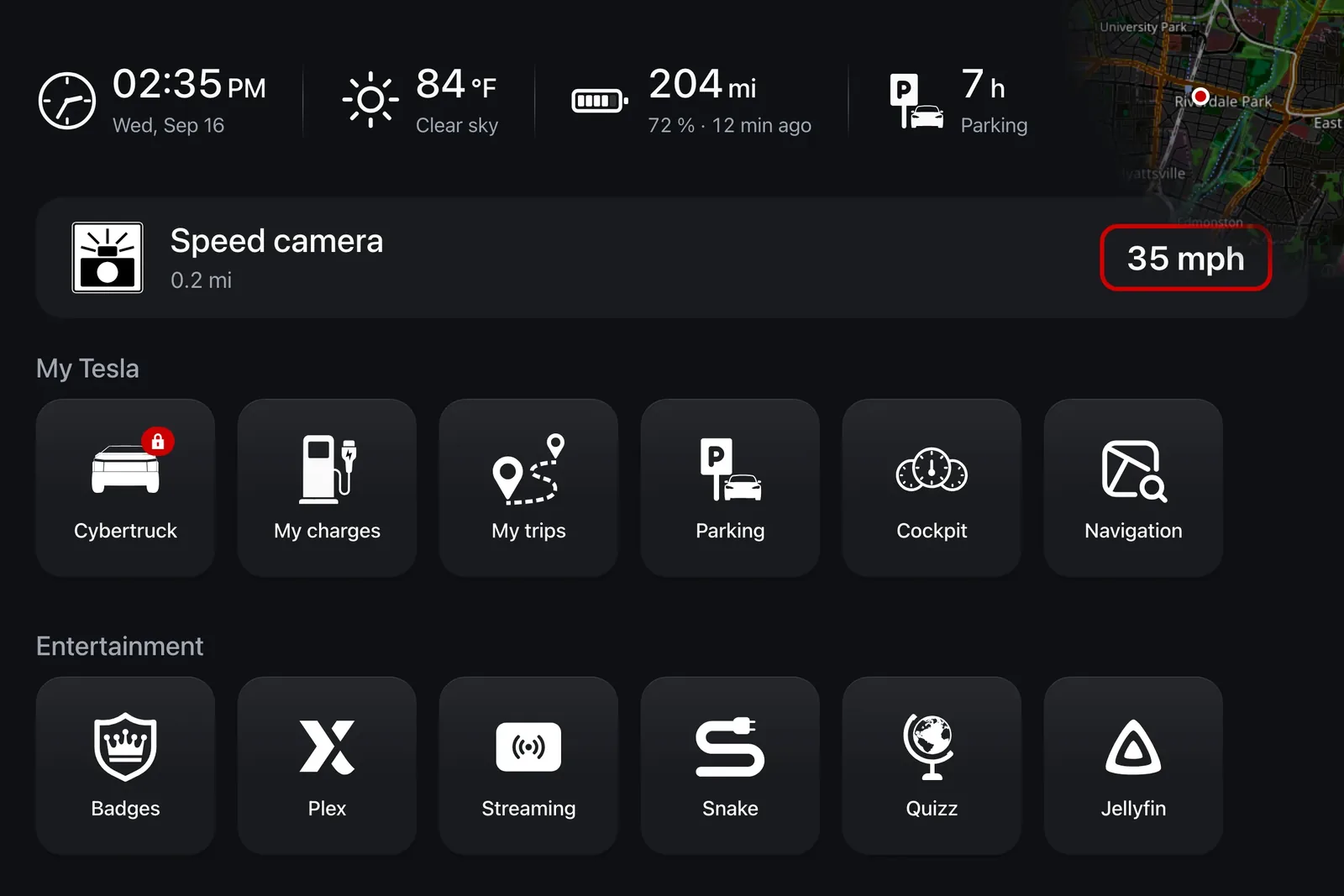
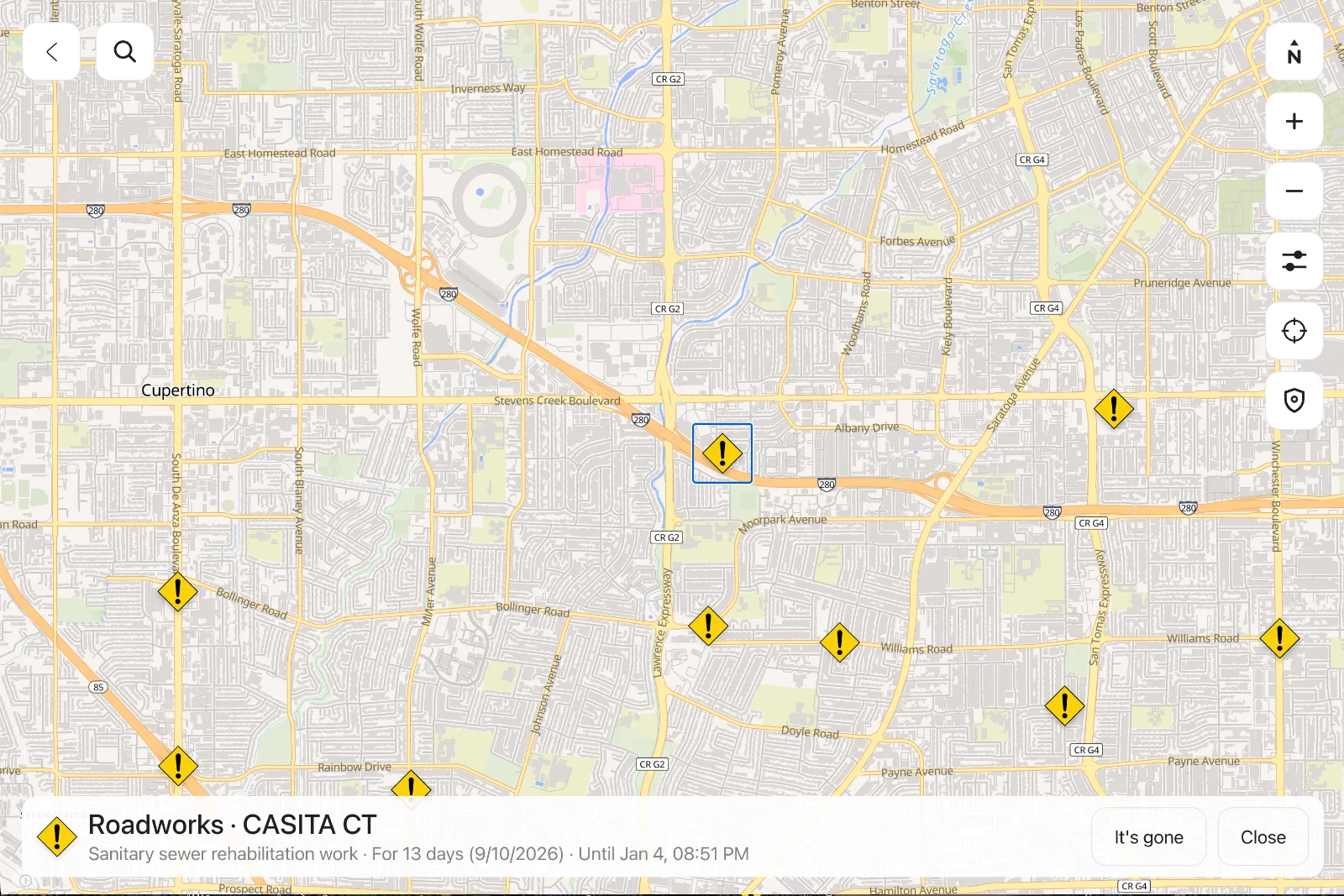
Roadworks, closures, accidents and speed cameras: announced as you approach, and laid out on the map.
- Traffic, from the source
- Roadworks, closures, accidents and obstructions come from official road-authority feeds, in France and the United States, refreshed continuously.
- Speed cameras, facing your way
- A public source, kept current. And a camera watching the opposite carriageway is none of your business: where its bearing is known, it is compared with your heading.
Trips & Journeys
Your road log.Down to the detail.
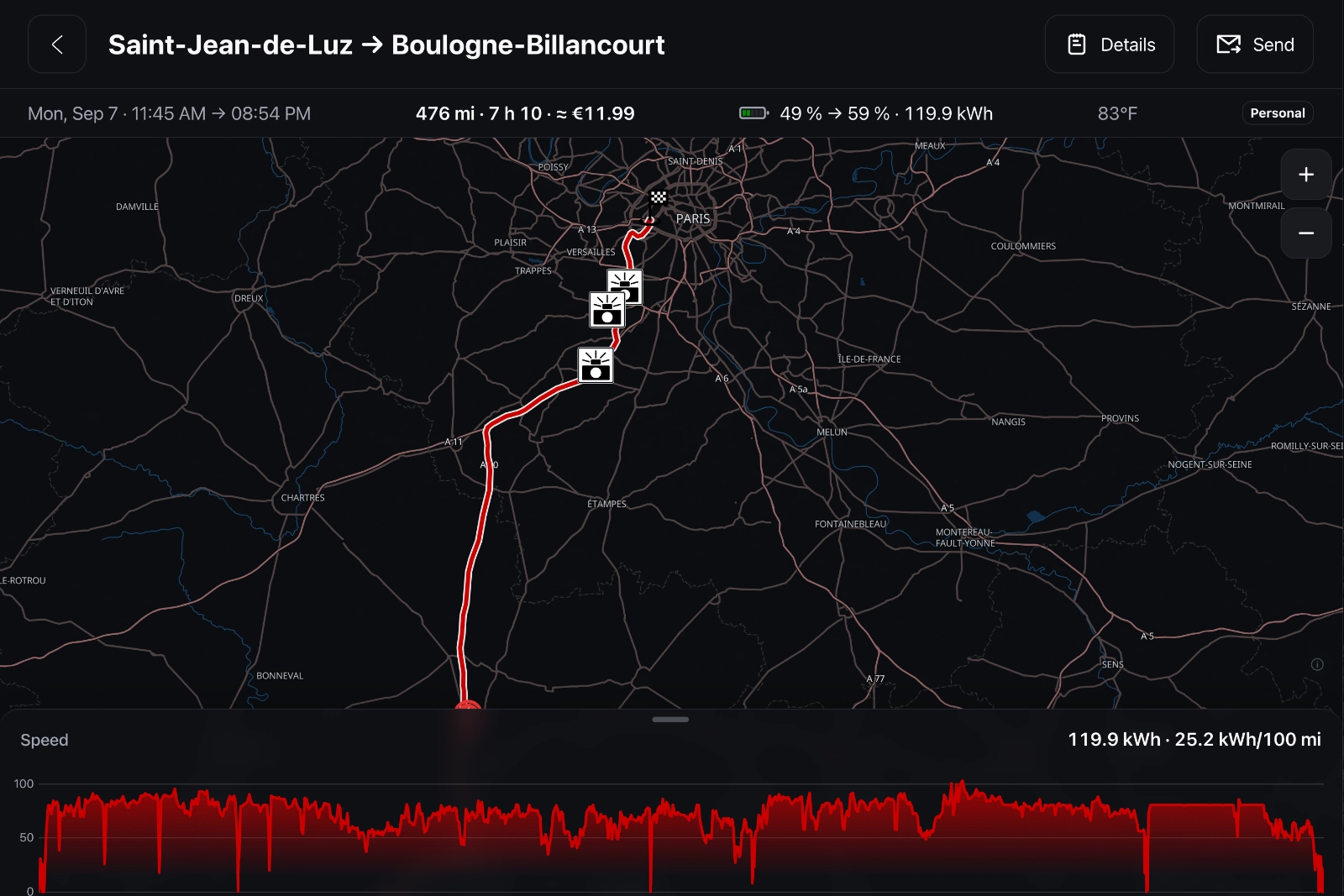
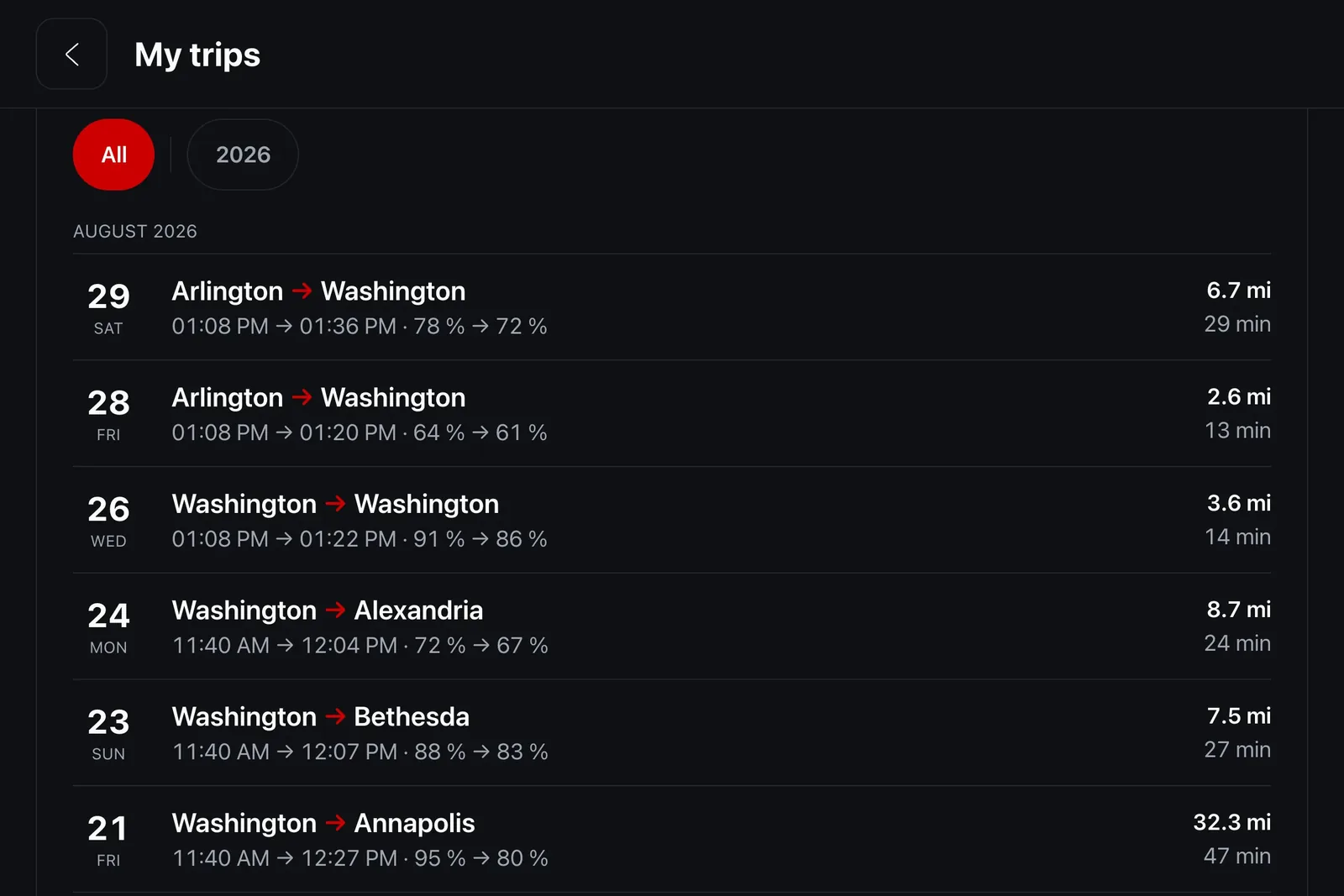
Every drive is recorded, split into trips automatically and drawn on the map, readable from the car and from your phone alike.
- Nothing to start, nothing to stop
- No button to remember when you get in. Trips are split on our servers, from what the car sends, with no action from you.
- Nothing missing when you connect your Tesla
- Browser location only works while the browser is on screen. With a subscription, the car itself reports its position, and the trip is whole.
Privacy
Your data stays yours.
A car says a lot about you: where you sleep, where you work, when you leave. iCar is built to know as little as possible, and to protect the rest.
No trackers. No data sold.
No ads, no ad trackers, no third-party analytics. Your data is hosted in Europe, protected by the GDPR, and our backups are encrypted, then kept in ISO/IEC 27001 certified storage.
Privacy by Design
Your car tells us it is “at home”, never at which address. Its serial number is only kept as an unreadable fingerprint, your card goes through Stripe alone, and your Tesla access is encrypted with AES-256. You can revoke it at any time from your Tesla account.
Stay in control. No compromise.
Trip recording turns off in one tap in your settings. Deleting your account is immediate once confirmed: your trips, your charging history and your access are permanently erased, and our encrypted backups forget them within 90 days.
Try it. Free.
Free forever, no ads. The subscription starts with a 14-day free trial, cancel in one click.
- No ads
- No card for the free plan
- Cancel anytime